
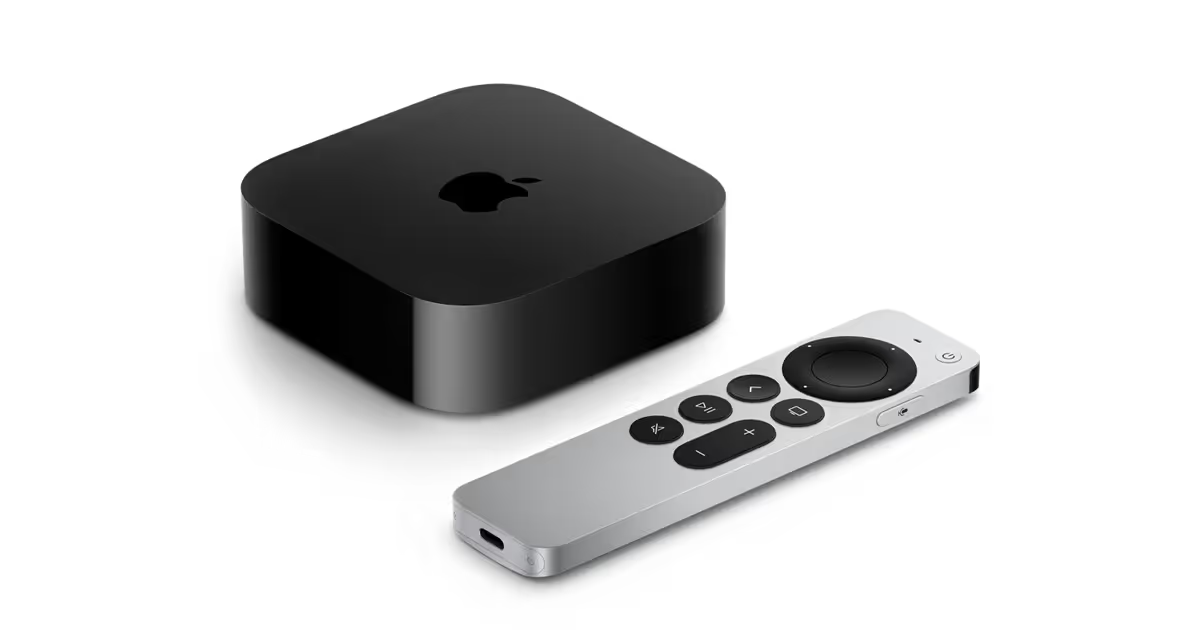
How to Watch British TV on Apple TV Abroad – The Best Way That Works in 2026
Taking your Apple TV abroad? Whether you're living overseas or just away on holiday, streaming British TV like BBC iPlayer, ITVX, or Channel 4 on your Apple TV can quickly become frustrating.
Some apps disappear. Others show the dreaded:
“This content isn’t available in your location.”
Even with the latest VPN support on Apple TV, many users still struggle with reliability, buffering, or app restrictions.
In this blog, we’ll explain what works, what doesn’t, and why a pre-configured VPN router with a UK residential IP is the most dependable way to stream British TV on your Apple TV from abroad.
Can You Use a VPN on Apple TV?
Yes — as of tvOS 17, Apple has introduced native VPN support on Apple TV. That means some VPN providers now offer apps you can install directly.
But here’s the catch:
- Many VPNs still use shared data centre IPs, which are quickly flagged and blocked by UK streaming platforms.
- Streaming services like BBC iPlayer, ITVX, and Channel 4 continue to block most VPN traffic.
- Even when the VPN app is installed, users often face buffering, low video quality, or inconsistent access.
If you’ve tried this and found it unreliable — you're not alone.
The Most Reliable Solution: A VPN Router with a UK Residential IP
To make your Apple TV truly behave as if it’s in the UK — without leaning on unreliable apps — the best solution is to use a pre-configured SmartHub VPN router connected through a UK residential IP.
This method:
- Works on any Apple TV model, even if it doesn’t support VPN apps
- Gets past the blocks, because residential IPs look like real UK households
- Makes the UK apps stream as they do at home (a UK Apple Account, not the connection, is what puts them on the device)
- Eliminates buffering and app-level blocks
At Stream UK TV Abroad, we provide fully configured VPN routers that use genuine UK residential broadband — not commercial servers.
What You Can Watch with Our VPN Router
Once your Apple TV connects to our router, it appears to be in the UK. That means:
- BBC iPlayer – Full access to catch-up and live TV
- ITVX – Popular dramas, box sets, and live channels
- Channel 4 (formerly All 4) – Documentaries, comedies, and more
- Channel 5 (formerly My5) – Classic and current Channel 5 content
- TNT Sports via HBO Max – Live sport, including Premier League and Champions League
- Sky Go (on Apple TV this needs Sky Q Multiscreen or Sky Glass and Stream Whole Home — a mobile-only Sky Go add-on won’t open it), NOW, Discovery+, and other UK services (if subscribed)
How It Works – No Tech Skills Needed
- We send you a VPN router that’s already set up
- Plug it into your broadband abroad
- Connect your Apple TV to the router’s Wi-Fi
- Open any UK streaming app and start watching
No extra software. Nothing to install on the Apple TV. No settings to adjust.
Just seamless access to British TV — exactly how it works back home.
Why This Is Better Than Using a VPN App
While VPN apps now exist for Apple TV, they still rely on commercial IPs — the kind that streaming services block regularly.
Our VPN routers use UK residential IPs, which:
- Are far harder to detect
- Offer consistently better speeds
- Work across your entire household — not just one device
You'll be able to use all your devices: Apple TV, Firestick, Smart TVs, phones, tablets, laptops and more.
Don’t Miss Out on UK TV
There’s no need to miss your favourite shows or live sport just because you're abroad.
Whether you're an expat, digital nomad or simply travelling, our VPN router with UK residential IP gives you reliable, unrestricted access to British TV — including on your Apple TV.
Order your pre-configured VPN router now and enjoy BBC iPlayer, ITVX, and more without the hassle.
Frequently Asked Questions
Does an Apple TV work abroad?
The Apple TV device works anywhere with power and internet — but the UK apps on it, like BBC iPlayer, ITVX and Channel 4, are geo-blocked outside the UK, and UK apps only appear on a UK Apple Account. Give it a UK residential IP with a VPN router and those apps stream just as they do at home.
Can I watch BBC iPlayer and ITVX on my Apple TV abroad?
Yes, with a UK connection. Apple added native VPN support in tvOS 17, but most VPN apps run on data-centre IPs that iPlayer and ITVX detect and block. A VPN router with a UK residential IP avoids that — it works on any Apple TV model, even ones that cannot run a VPN app, with nothing to install.
Do I need a VPN app on the Apple TV itself?
No. The router handles the UK connection for the whole network, so the Apple TV just streams — no app to install or configure on the device. It is the same setup that also covers your Firestick, smart TV, phone and tablet at once.
Why does my VPN app keep failing on Apple TV?
Because it routes you through a shared commercial data-centre IP that UK streaming services recognise and block, which also brings buffering and quality drops. A UK residential IP on a router looks like an ordinary UK home instead, so it is far harder to detect and far steadier.
Final Thoughts
A pre-configured VPN router with a UK residential IP is the most reliable way to keep BBC iPlayer, ITVX and the rest behaving much as they do at home, without wrestling with apps on the device itself. If that sounds like the sort of hassle-free option you're after, it's worth taking a look at our routers below.







