
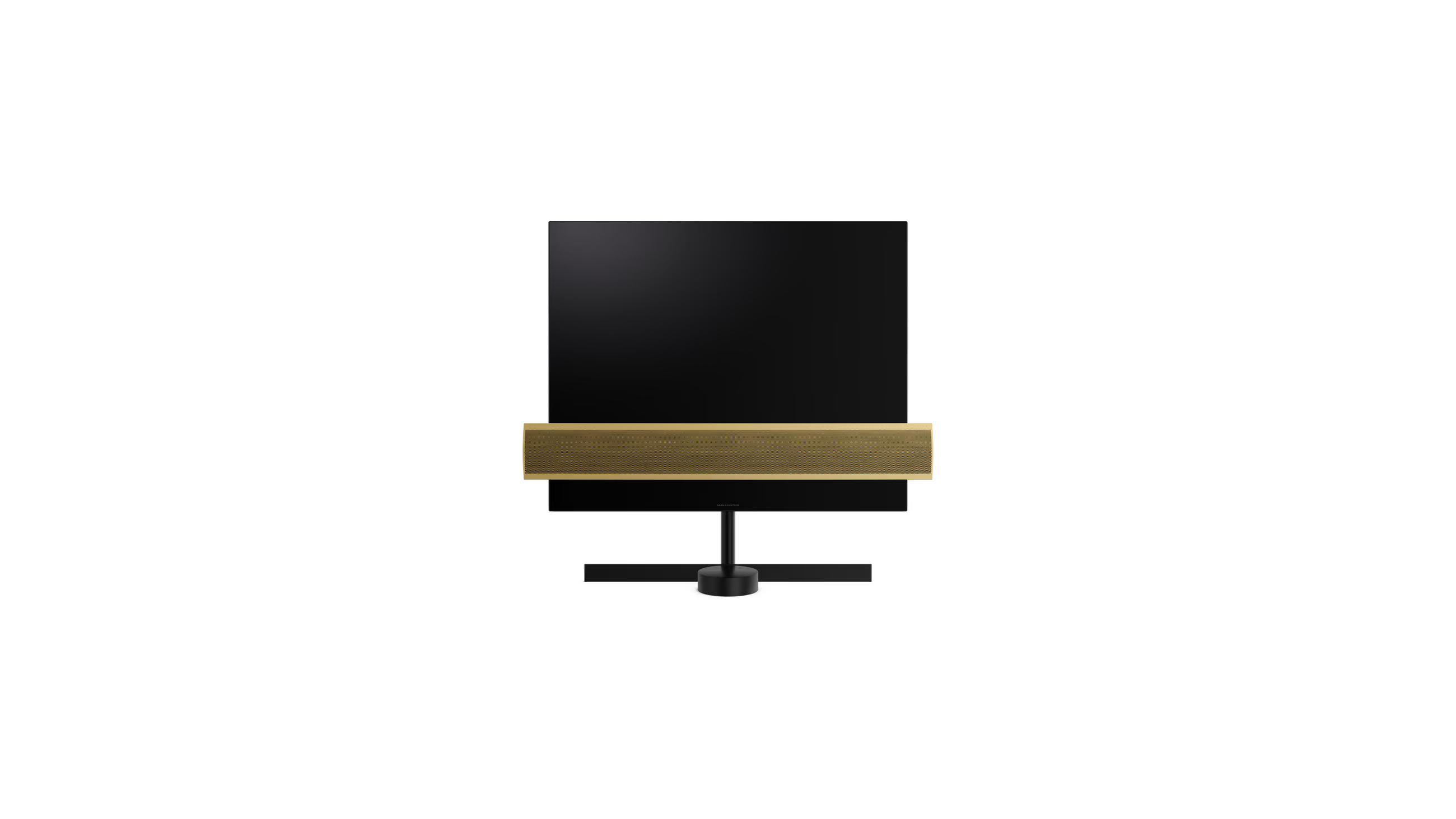
Watch UK TV Abroad on a Bang & Olufsen — Why Your Beovision Has No VPN App
There's very little a Beovision doesn't do well. It's beautiful, the sound is extraordinary, and it will do almost anything you ask of it.
Abroad, there's one thing it won't do at all: play BBC iPlayer.
So you go looking for a VPN app for it, and there isn't one. Not a bad one. None.
There's a very good reason for that, and once you know it the whole problem becomes simple.
Your Beovision Is an LG Inside
Since 2016, Bang & Olufsen has built its televisions around LG OLED panels — which is a sensible piece of engineering, because LG makes the finest OLED panels in the world and there's no reason to reinvent one.
Every Beovision in the current range — Harmony, Theatre, Eclipse and Contour — is built on an LG OLED panel running LG's webOS. It's a partnership that goes back a decade, and it's not a secret; it's simply not something anyone mentions in the showroom.
What B&O adds is everything around the panel, and it's not a small thing: the acoustics, the cabinetry, the aluminium, the motorised stand, the engineering that makes a television behave like a piece of furniture. That part is genuinely theirs and nobody else does it.
But the software running on the panel is LG's webOS. And that's the part that matters here.
And That Is Exactly Why There Is No VPN App
webOS is a closed platform. There's no VPN client in its app store and no way to sideload one, and that's a decision LG made, not a gap somebody forgot to fill.
The VPN companies say so themselves. Ask Surfshark or NordVPN how to use their service on a webOS television and they'll tell you the same thing: you can't install it on the set — you put the VPN on the router instead.
This is not a shortcoming of your television, and it's not something B&O got wrong. It is a property of the platform — it's true of every set running webOS, and no specification and no options list will change it, because there's simply nothing there to install.
Which is oddly good news. It means you can stop hunting for an app that was never going to exist, and fix the thing that's actually in the way.
One Exception — and It Does Not Help
To be accurate about it: there was one Bang & Olufsen television that ran Android TV, and could therefore install a VPN app — the BeoVision 14, discontinued in 2018.
If that happens to be the one in your house, don't get your hopes up. Being able to install a VPN app is not the same as being able to watch anything.
The big names — ExpressVPN, NordVPN, Surfshark — route you through commercial data-centre IP addresses, and BBC iPlayer and ITVX have known those addresses for years. The app installs. It connects. It tells you cheerfully that you're in London. And the moment you press play, iPlayer blocks it anyway.
That's really the point of this whole page. The television was never the wall. The address is — and that's just as true of the one B&O that can run an app as it is of the four that cannot.
The Fix Is the Address, Not the App
Here's what actually changed when you moved abroad. It wasn't your subscription and it wasn't your television. It was the address your connection arrives from.
A pre-configured SmartHub VPN router gives you a UK residential IP address — an ordinary British home-broadband address, the kind millions of households connect from every night. To iPlayer, ITVX, Sky and the rest, your Beovision simply looks like a television in a house in the UK.
Because it works at the router, there is nothing to install on the television at all — which is the only approach that can work here, and also happens to be the one that suits the set. No app, no login screen, no annual argument with a subscription you didn't want. It just plays.
And it covers everything else in the house while it's at it — no bad thing in a household with this much kit.
Which SmartHub for a Custom Install
A Beovision usually arrives with an installer, structured wiring and a network somebody else configured — often a mesh you'd rather not disturb.
For that house, the SmartHub Core is the right piece. It's an Ethernet-only gateway with no Wi-Fi radio of its own, so it adds no second network and competes with nothing. It sits inline behind what you already have, and the television — or the Apple TV feeding it — arrives from Britain.
If your Beovision is part of a wider automation system, that brings its own question, and we've written it up separately: Control4 and Araknis routers cannot run a VPN client either, and the fix is much the same.
If the UK Apps Aren't Showing
There's a step some Beovisions need first. If yours was bought abroad, or set up outside Britain, webOS may be showing the local country's apps — no iPlayer, no ITVX for the router to unblock. That's not about installing anything on the set; it's just which country's store it's pointed at.
Open All Settings → General → System → Location, set LG Services Country to the United Kingdom, and the UK apps appear — the router does the rest.
One thing worth checking before you order: LG ties that country list to the region the set was sold in, so a Beovision bought outside Europe may not offer the UK at all.
If the UK isn't there — or if you'd simply rather not run apps on a television this good — you're not stuck.
Let the Beovision Be a Screen
There's a second way to look at this, and for a television of that quality it's arguably the better one.
A Beovision is an extraordinary panel and an even more extraordinary set of speakers. It doesn't also need to be a computer. Feed it from a Freely TV box over HDMI and you get live British television and catch-up over the internet — no dish, no aerial — and what webOS can or cannot install stops being your problem entirely.
Both boxes we supply handle the free-to-view channels. The Manhattan Aero takes a wired Ethernet connection, which suits a house with structured wiring already in the walls. The Netgem PLEIO runs the NOW app — the only one of the two that does — so it's the box if you want Sky Sports on that screen.
Either way, the television goes back to doing what it's superb at, and nothing is installed on it.
Frequently Asked Questions
Why is there no VPN app for my Bang & Olufsen Beovision?
Because every current Beovision — Harmony, Theatre, Eclipse and Contour — is built on an LG OLED panel running LG's webOS, and webOS is a closed platform with no VPN client and no way to sideload one. That's LG's decision, not a fault of the TV; even NordVPN and Surfshark tell you to put the VPN on the router instead.
How do I watch BBC iPlayer on a Beovision abroad?
Put the VPN on your router, not the television. A pre-configured SmartHub router with a UK residential IP makes your Beovision look like a TV in a UK home, so iPlayer, ITVX and Sky just play — with nothing installed on the set, which is the only approach webOS allows anyway.
My BeoVision 14 can install a VPN app — will that work?
Not really. The BeoVision 14 (discontinued 2018) ran Android TV, so an app installs and connects — but the big VPNs route through data-centre IPs that BBC iPlayer and ITVX have known for years, so it's blocked the moment you press play. The television was never the wall; the address is, so the router fix applies to it too.
Which setup suits a custom-installed Beovision?
The SmartHub Core. It's an Ethernet-only gateway with no Wi-Fi of its own, so it sits inline behind your existing structured wiring or mesh without adding a second network. Alternatively, feed the Beovision from a Freely box over HDMI and let it be the superb screen it is.
Do I need to set my Beovision to the UK?
Only if the UK apps aren't already there. A set bought in Britain and taken abroad has them; one bought or set up abroad may show another country's store. Set the LG Services Country to the United Kingdom and iPlayer, ITVX and the rest appear — the router then makes them play. If the UK isn't on the list (LG limits it to the set's region), feed the Beovision from a Freely box over HDMI instead, which is arguably the nicer route regardless.
Final Thoughts
The reason there's no VPN app for a Bang & Olufsen is not an oversight, and it is certainly not a failing of the television. It's that the platform underneath is webOS, and webOS doesn't do VPN apps. Not on a Beovision, and not on anything else.
So the fix is not on the television at all, which is just as well — it's the last place you'd want to be installing things. A pre-configured VPN router with a genuine UK residential IP puts a British address on the connection, and your own subscriptions behave the way they did at home. The Beovision doesn't have to do a thing about it.
At Stream UK TV Abroad we supply the routers ready to plug in, and we're happy to talk it through with your installer.
For international orders we generally use UPS Express, keeping delivery and customs clearance as fast and hassle-free as possible; UK orders ship with DPD, usually next-day after dispatch.







