
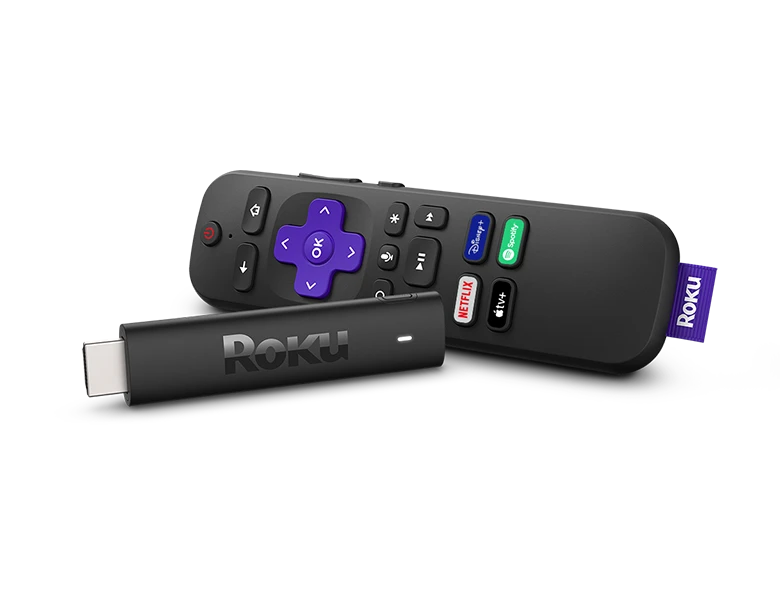
How to Use a VPN with a Roku Streaming Stick
A Roku won't let you load a VPN app onto it — nothing of the sort sits in its channel store, and no VPN toggle is buried in the menus. That doesn't leave you stranded, though. Set things up the right way and your Roku plays BBC iPlayer, ITVX and everything else from abroad just as it does at home. Here's the approach that works.
Why a Roku Can't Run a VPN App
Roku devices run their own platform, and like most smart-TV platforms it makes no room for VPN apps. Comb through the Roku Channel Store and there's no VPN channel to add, nor any way to load one by hand. The fix, then, never happens on the Roku itself. Rather than altering the box, you alter the internet connection feeding it.
How People Give a Roku a UK Connection
1. Connect through a VPN router (most reliable). A VPN router sits between your Roku and the wider internet, sending the entire connection out through the UK. To the apps you open, the Roku — along with the other devices on the network — appears to be in Britain. There's nothing to load onto the Roku, and it's the one method that carries HD to a television without a struggle.
2. Smart DNS. There's no DNS field on a Roku, so this has to be set on the router the Roku connects through. It won't drag your speed down, but it encrypts nothing, only covers the services it supports, and is being shut out more and more by BBC iPlayer and ITVX.
3. Share a VPN from your computer. Run a VPN on a PC or Mac, set it up as a “virtual router”, then join the Roku to that shared signal. It does the job, but it's fiddly, ties you to a machine that stays switched on, and tends to cut out partway through a programme.
4. A VPN-enabled travel hotspot. Phones and budget travel routers can pass a VPN along over Wi-Fi. They're easy to pack, yet cheap hardware rarely has the headroom to hold a TV stream once the VPN is running — and that kind of kit is the quickest to get blocked.
Options two to four will do at a push, but for steady UK streaming to a Roku, most people settle on a dedicated VPN router.
Why a Pre-Configured VPN Router Suits a Roku Best
A pre-configured VPN router turns up ready to run, with nothing for you to configure. Plug it into your internet abroad, join the Roku to its Wi-Fi, and the box acts just as it would back home — opening BBC iPlayer, ITVX, Channel 4, Channel 5 and paid apps such as NOW on your own valid UK subscriptions. No sideloading, no DNS codes, and the whole household is covered.
What a UK Residential IP Changes
Everyday VPNs come unstuck because they route through commercial data-centre IP addresses that streaming services detect and block. Our routers ride a genuine UK residential IP instead — the very connection a real British home runs on — so your Roku looks like an ordinary UK home and keeps working when other methods get shut out.
Setting It Up with Your Roku
- Order your pre-configured VPN router from Stream UK TV Abroad — leave a few days for delivery so it's in your hands before the trip
- Plug it into your internet abroad (broadband, 4G/5G or Starlink)
- Connect your Roku to the new router's Wi-Fi
- Load your usual channels — BBC iPlayer, ITVX, Channel 4 — and press play
One Router Covers the Whole House
Since the router is what supplies the UK connection, the whole network shares one UK residential IP — the Roku included, but far from alone. That same signal reaches a Fire TV Stick, an Apple TV, smart TVs, laptops, tablets and phones at the same time.
Roku VPN: FAQs
Can you install a VPN app on a Roku?
No. Roku's operating system doesn't support VPN apps, and there's no VPN option in the settings. You change the connection the Roku uses instead — most reliably with a VPN router.
Does Roku have a built-in VPN?
No, there's no built-in VPN and none in the Channel Store. A VPN router (or, less reliably, Smart DNS) is how you give a Roku a UK connection.
Will a VPN slow down my Roku?
A quality VPN router adds very little overhead and comfortably handles HD, and even 4K/UHD if your connection allows. Because our routers use residential UK IPs on real broadband, streaming stays smooth rather than throttled or blocked.
Which UK apps can I watch on a Roku abroad?
All the main UK apps — BBC iPlayer, ITVX, Channel 4 and Channel 5 — plus paid services like NOW, if you have a valid UK subscription.
The Bottom Line for Roku Owners
There's no VPN app to put on a Roku, and that's fine — you don't need one. A pre-configured SmartHub VPN router hands the Roku, and the other devices under your roof, a UK residential IP, so BBC iPlayer, ITVX and the rest simply play wherever you happen to be. It's the one route that's genuinely plug-and-play, and the toughest for streaming services to shut out.







