
Watch UK TV Abroad on UniFi: Your VPN Client Works, Your Address Doesn't
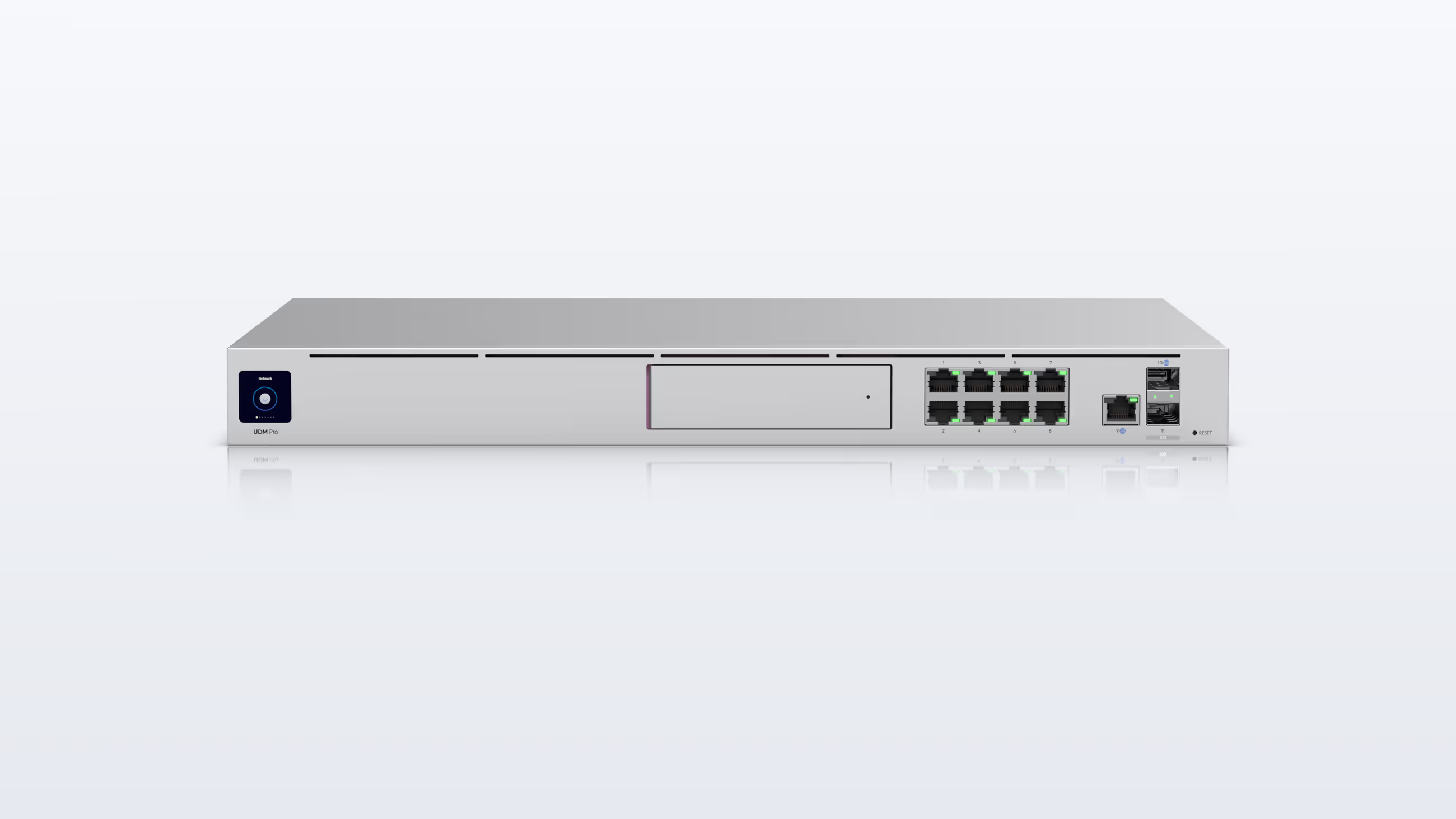
If you run UniFi at home, you've probably already tried the obvious fix. The Dream Machine has a VPN Client built in, so you loaded a NordVPN or ExpressVPN connection, pointed the television at it and opened BBC iPlayer.
And iPlayer still said you were outside the UK.
Nothing in your network is broken. UniFi did exactly what you asked; the trouble is the address it handed the BBC, and that's the one thing no amount of UniFi configuration can change. The fix is to give UniFi a genuine UK connection to route to — and it slots in without touching anything you've already built.
Why BBC iPlayer Still Says No
The tunnel your Dream Machine builds ends at a VPN server, and that server lives in a data centre. Its address is shared by hundreds or thousands of other subscribers at once, which is exactly the pattern the BBC, ITV, Channel 4 and Sky look for — and the big providers' addresses are the ones they know best.
So you switch servers, it works for a while, and then it doesn't. The UniFi community forum has several threads of people tuning routing rules for what is really an address problem — the same one behind NordVPN and ExpressVPN not working on iPlayer.
What gets through is an address that looks like a British home because it is one: a UK residential IP, on an ordinary home-broadband line rather than in a hosting range. That's what our SmartHub routers connect to, and there's no VPN file on your side to keep replacing.
The Setup: Give UniFi a UK Network
Here's the approach we recommend to UniFi owners. You add one new network inside UniFi, and a SmartHub Core becomes its gateway. UniFi carries on running your Wi-Fi, your switches and your main network; the Core handles routing and addresses for the UK network only, and sends that traffic out over a UK residential connection.
The Core suits a UniFi house because it doesn't try to do UniFi's job. It has no Wi-Fi radio — your access points already cover that — just a WAN port and two LAN ports, all 2.5Gb Ethernet. It handles VPN speeds of up to 900Mbps, and a 4K stream needs around 25Mbps, so several screens on the UK network at once leave it with plenty in reserve. Our SmartHub comparison shows how it sits alongside the other three.
- Create the network. In UniFi Network, go to Settings › Networks and add a new network called something like "UK TV". UniFi creates it as a virtual local area network (VLAN). Under Router, choose Third-party Gateway, so UniFi leaves the routing to the Core.
- Connect the Core's WAN. Plug its WAN port into a spare port on your UniFi switch, and set that port to your main network only, with tagged traffic blocked. That's how the Core reaches the internet — through your Dream Machine, like any other device.
- Connect the Core's LAN. Plug one of its LAN ports into a second switch port, set to the UK TV network only, again with tagged traffic blocked. Everything on UK TV now gets its address from the Core.
- Choose your UK ports. On any UniFi switch, including a Flex in the lounge, set the ports for whatever should be British to the UK TV network. The uplinks between switches carry every network by default, so there's nothing else to change.
- Add a UK Wi-Fi network if you'd like one. Create a new Wi-Fi network and assign it to UK TV, so phones, tablets and a Netgem PLEIO can join it whenever they want a UK connection.
Ubiquiti's help page on third-party gateways says to use the same VLAN ID on the gateway as in UniFi. You can skip that here: the Core's LAN port only ever sees UK TV traffic, untagged, so the SmartHub needs no VLAN setting of its own.
One rule matters more than the rest: keep the Core's two switch ports on different networks. If its LAN port ever lands on your main network, the Core will start handing out UK addresses to the whole house.
No separate switch? A Dream Machine's own LAN ports can do the same job, as long as two are free for the Core: one on your main network for its WAN, one on UK TV for its LAN. Wired UK devices then need a UK TV port of their own, or they can simply join the UK TV Wi-Fi.
If your Wi-Fi comes from a consumer mesh system rather than UniFi, our guide to using a VPN with mesh Wi-Fi covers the simpler version of this.
Port by Port, or by Wi-Fi
This is where UniFi earns its keep. You decide, one port or one Wi-Fi network at a time, what goes via the UK.
A typical lounge might look like this. The Manhattan Aero Freely box takes a wired Ethernet connection, so it plugs into a Flex port set to UK TV. The Netgem PLEIO is Wi-Fi only, so it joins the UK TV Wi-Fi.
An Apple TV can sit on a UK port too, for BBC iPlayer, ITVX and the rest, while the television's own apps stay on your local connection for local channels. Or put the whole TV on UK TV if that's simpler.
Phones, tablets and laptops get the same choice. Join the UK TV Wi-Fi when you want iPlayer, and switch back when you don't. That covers most of what the NordVPN app was doing, with nothing to install on any device.
What Stays Local, and What to Know
Cameras, doorbells, the heating, your local bank and local streaming apps stay on your main network and your local address, exactly as they are now.
A few things are worth knowing before you start. UniFi's firewall rules, its content filtering and its AirPlay and Chromecast relay only work on networks UniFi routes itself — and the Core routes the UK network. Casting works best with both devices on the same network, so to cast from a phone to a TV that's on UK TV, join the UK TV Wi-Fi first.
If your gateway is a Dream Router 5G Max, or you run a mobile backup, the Core simply follows UniFi. When the fibre drops and UniFi switches to 5G, the Core is just one more device on your network, so it reconnects over whichever connection UniFi is using. Keep an eye on your mobile data while that's happening, because streaming will use it.
Why Not Put the Whole House on the UK?
You can put the Core between your ISP's box and your UniFi gateway instead, so everything goes out through the UK. It's simpler to describe, but it works against the network you've built.
Everything would look British, including the cameras' cloud services, your local banking and local apps.
And if your UniFi gateway has a 5G backup, such as the one built into a Dream Router 5G Max, that backup is the gateway's own connection, so a failover skips the Core entirely and the TVs drop back to a local address at the worst possible moment. With the separate UK network, the Core sits behind UniFi and simply carries on over the backup.
For a UniFi house, the separate UK network is the better answer: British where you want it, local everywhere else.
Frequently Asked Questions
Can a UniFi Dream Machine use a VPN for BBC iPlayer?
It can run the VPN. UniFi gateways have a built-in VPN Client and Policy-Based Routes, so one device or a whole network can go out through a VPN. The catch is the address at the other end: commercial VPN servers sit in data centres, and BBC iPlayer blocks the ones it recognises. A UK residential address is what gets through.
Can I load your UK connection into my Dream Machine instead of buying a SmartHub?
No. The UK connection comes with the SmartHub itself, not as a configuration file for another router. That also keeps it apart from UniFi's own VPN settings, which have changed in recent UniFi releases.
Does the SmartHub Core work with a Dream Router 5G Max?
Yes, and the setup is the same as with a Dream Machine. If the fibre drops and the Dream Router switches to 5G, the Core reconnects over whichever connection UniFi is using, so the UK network carries on. Streaming will use mobile data while the backup is running.
Do I need to set a VLAN ID on the SmartHub Core?
No. Plug the Core's LAN into a switch port set to the UK TV network only, and the Core sees that network's traffic without a VLAN tag. Its WAN goes into a port on your main network. Just keep the two ports on different networks.
Will AirPlay and Chromecast work between the UK network and the rest of the house?
Casting works best when both devices are on the same network. To cast from a phone to a TV or box on the UK network, join the UK TV Wi-Fi first.
Final Thoughts
UniFi owners tend to build their networks properly, and the VPN Client is a proper feature. It just can't change what kind of address sits at the far end of the tunnel.
Give UniFi a UK network with a SmartHub Core as its gateway, and you choose port by port what's British while everything else stays exactly as you built it. The Core arrives pre-configured, and if you'd like a second pair of eyes on which ports to use, our team is happy to look at your setup with you.
International orders generally go by UPS Express, which keeps delivery and customs clearance quick; UK orders ship with DPD, usually the day after dispatch.







