
Can You Put a VPN on Your Router? Why Most ISP Routers Don’t Work (and the Best Alternative)
Many people looking to watch UK TV abroad or secure all their devices ask the same question:
“Can I just install a VPN on my router?”
The short answer is: not usually — at least not on the router provided by your internet service provider (ISP).
Most ISP-supplied routers don’t allow VPN installation or configuration. However, that doesn’t mean you’re out of options. There’s a much better and more flexible way to add VPN protection and access UK content abroad: using a dedicated VPN router alongside your existing network.
Why You Usually Can’t Install a VPN on an ISP Router
The router supplied by your internet provider is designed to be simple to use — and that often means limited functionality.
Most ISP routers:
- Don’t support VPN configuration at all
- Block manual VPN setup through firmware restrictions
- Have no interface for adding VPN credentials
- Are locked down to prevent user modification
Even when VPN options exist, they’re often unreliable or unstable for streaming and multiple devices.
And it isn’t only ISP routers. If an installer put your network in, Araknis routers on a Control4 system have a VPN server but no VPN client either.
The Better Setup: Use a Separate VPN Router
Instead of trying to modify your ISP router, the best solution is to connect a separate pre-configured VPN router to it.
This gives you two networks in your home:
- Your normal local network – for general browsing, smart home devices, and local services
- Your VPN network – which routes through the UK (or another location), allowing you to stream BBC iPlayer, ITVX, Channel 4, Channel 5, Sky Go and more
This setup means you can easily switch between networks depending on what you’re doing.
Benefits of a Dedicated VPN Router
A dedicated VPN router offers clear advantages:
- Works with any ISP – simply connect it to your existing broadband router
- Pre-configured – ready to use out of the box
- UK residential IP address – essential for reliable access to UK streaming services
- No software installation – works across all your devices instantly
- Separate network – keeps your VPN traffic independent of your local one
For example, you might keep your main Wi-Fi for local browsing, and your VPN router for streaming UK TV abroad or securing a Smart TV connection.
How to Connect a VPN Router to Your Existing Router
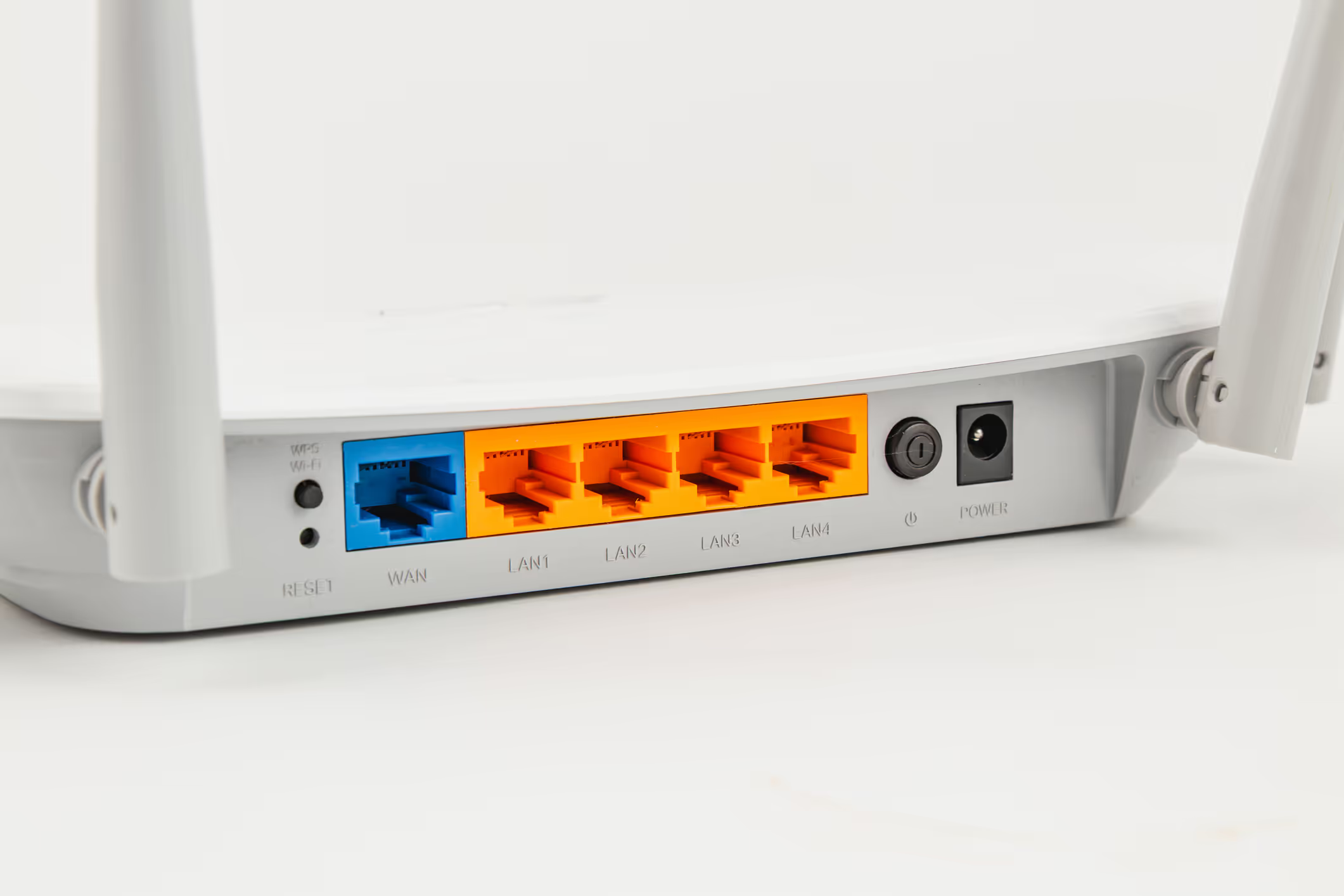
- Plug your VPN router into one of the LAN ports on your ISP router
- Connect your devices (TV, laptop, tablet) to the VPN router’s Wi-Fi or Ethernet
- The VPN router automatically handles the secure UK connection
- Stream or browse as if you were in the UK
It’s simple, safe and completely reversible — you can unplug it any time without changing your main internet setup.
Why a UK Residential IP Makes All the Difference
Most VPN apps and services use commercial IP addresses from data centres. Streaming platforms easily detect and block these.
Our VPN routers use UK residential broadband IP addresses — the same kind real homes use — so services like BBC iPlayer, ITVX, Channel 4 and Sky Go see your connection as genuinely UK-based.
Flexible Subscription Options
We offer 1, 3, 6 or 12-month subscription terms, so you can choose what suits your travel plans.
When your term ends, you can simply let it lapse and renew later — no penalty or reactivation fee.
Frequently Asked Questions
Can I put a VPN on my router?
Usually not on the router your internet provider gave you. Most ISP routers do not support VPN configuration at all — they block manual setup in firmware, give you nowhere to enter VPN credentials, and are locked down against changes. The reliable route is a separate pre-configured VPN router plugged into your existing one.
Can I put a VPN on my Sky router?
Sky supplies an ISP router like the others, so in practice no — it is not built to run a VPN client. Rather than modify it, you connect a dedicated VPN router to one of its LAN ports; the two run side by side, and you can unplug it any time without touching your broadband.
How does a separate VPN router work alongside my existing one?
It gives you two networks at home: your normal local Wi-Fi, and a second one that routes through a UK residential IP for BBC iPlayer, ITVX, Channel 4, Channel 5 and Sky Go. Plug the VPN router into a LAN port on your ISP router, connect your TV or laptop to it, and it handles the UK connection automatically.
Why not just use a VPN app instead?
An app relies on data-centre IP addresses that streaming platforms detect and block. A dedicated VPN router with a UK residential IP needs no software on your devices and looks like a genuine UK home, so services see an ordinary UK connection rather than a VPN.
Final Thoughts
While you generally can’t install a VPN directly on your ISP router, using a separate VPN router gives you far more flexibility — and if you’re weighing up your options, it’s worth comparing running a VPN at home with a hosted UK VPN.
You’ll have two networks — one local and one UK-based — and complete control over how you connect.
No complicated settings, no firmware changes, and no risk of breaking your broadband router.







