
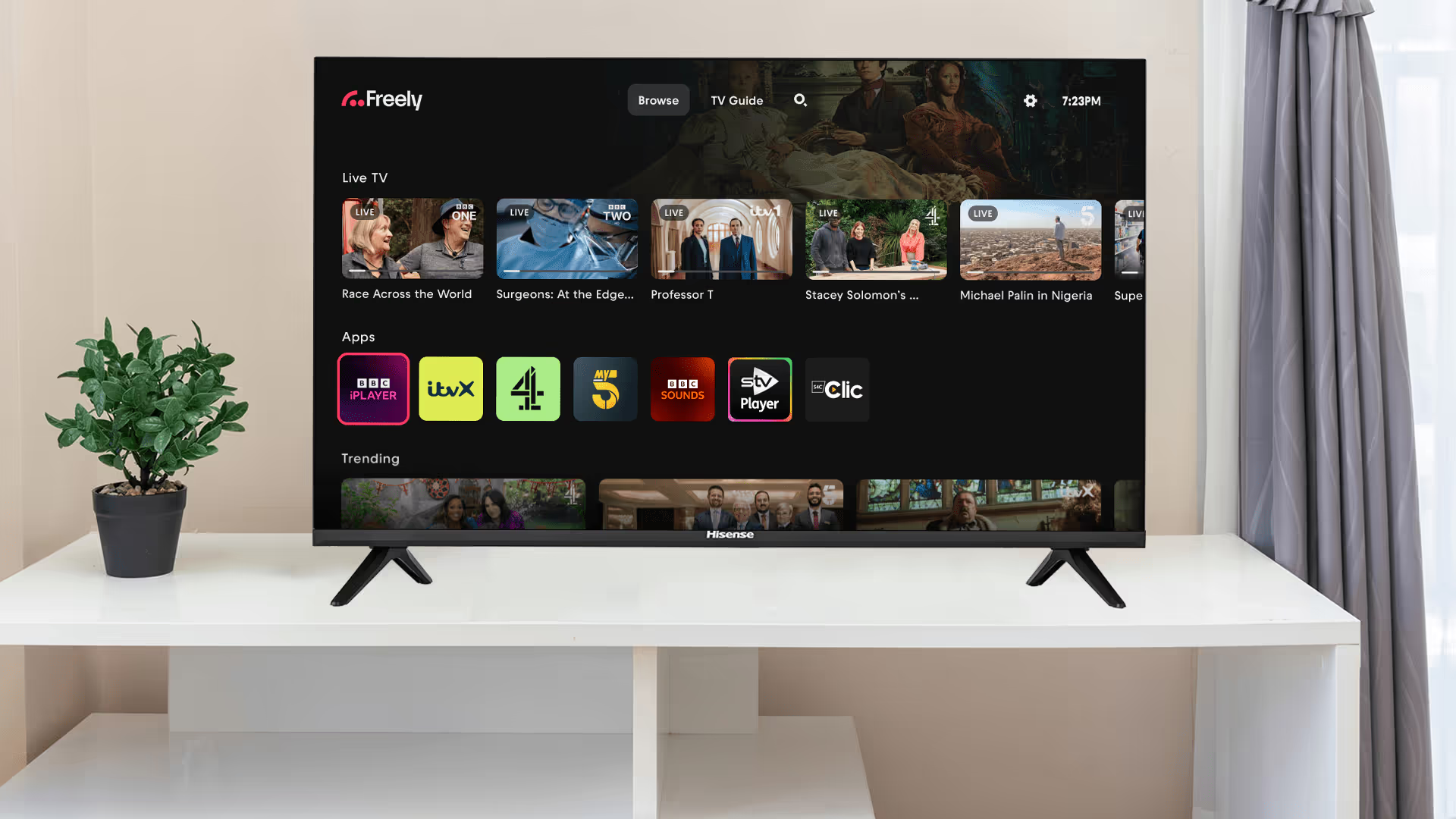
How to Use a Freely Smart TV Abroad
Freely is the UK’s new free-to-view television platform — live and on-demand channels in one place, no aerial or dish required, just an internet connection.
But if you move or already live abroad, you’ll quickly discover that your Freely TV is geo-restricted, meaning you can’t use it to access your favourite British TV shows outside the UK.
So, what’s the solution? A VPN (Virtual Private Network) can unblock your Freely TV anywhere in the world, but not all VPNs are created equal. The best option? A pre-configured router running a streaming-optimised VPN on residential IPs. Here’s why this is the ultimate way to watch your Freely TV abroad.
Prefer a Freely box?
If your TV isn’t Freely-enabled — or you’d sooner add Freely with a dedicated box — start here:
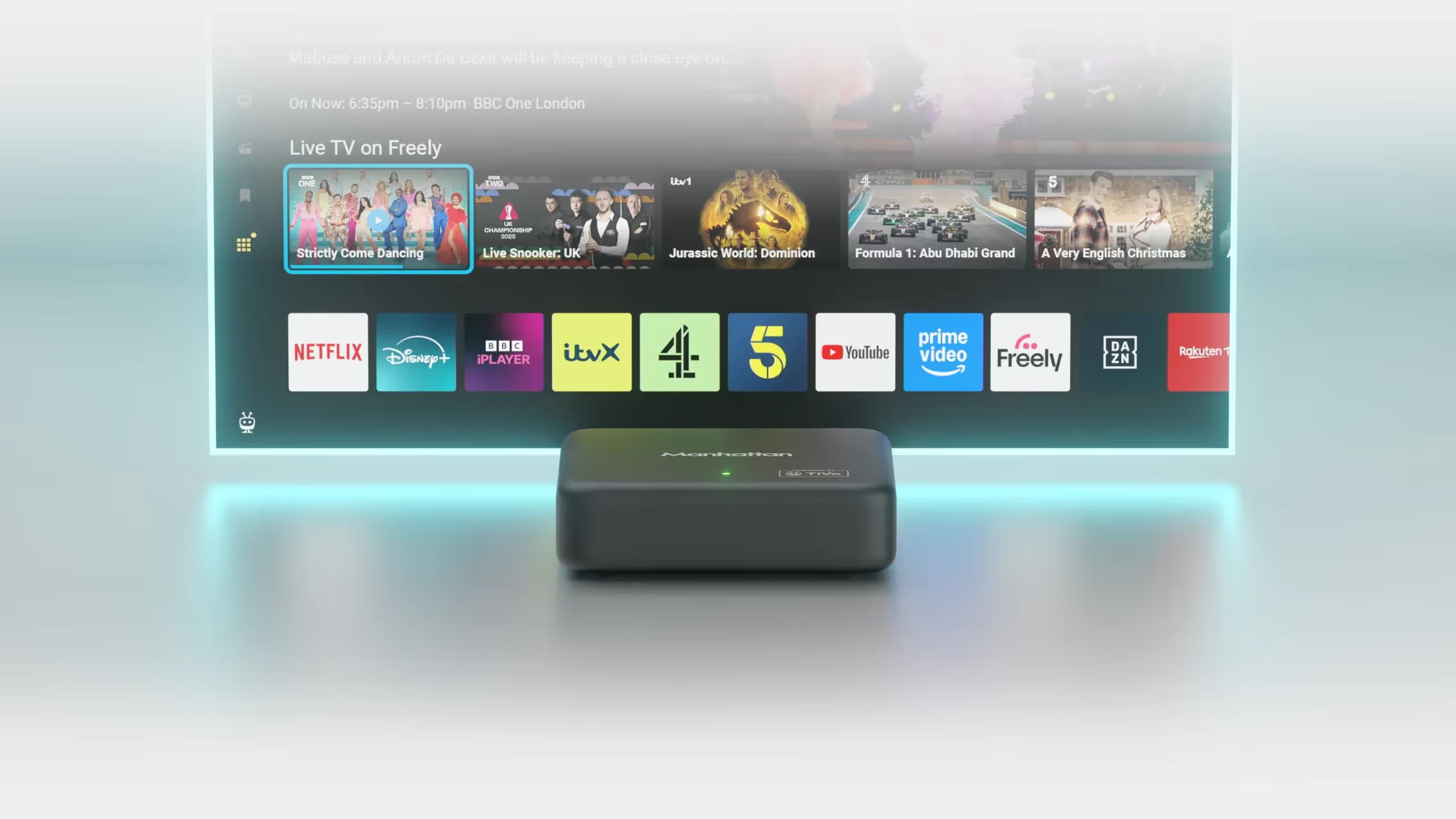
Manhattan Aero vs Netgem PLEIO. Freely TV Boxes Compared
Buy Freely TV Box Abroad (Netgem PLEIO & Manhattan Aero)
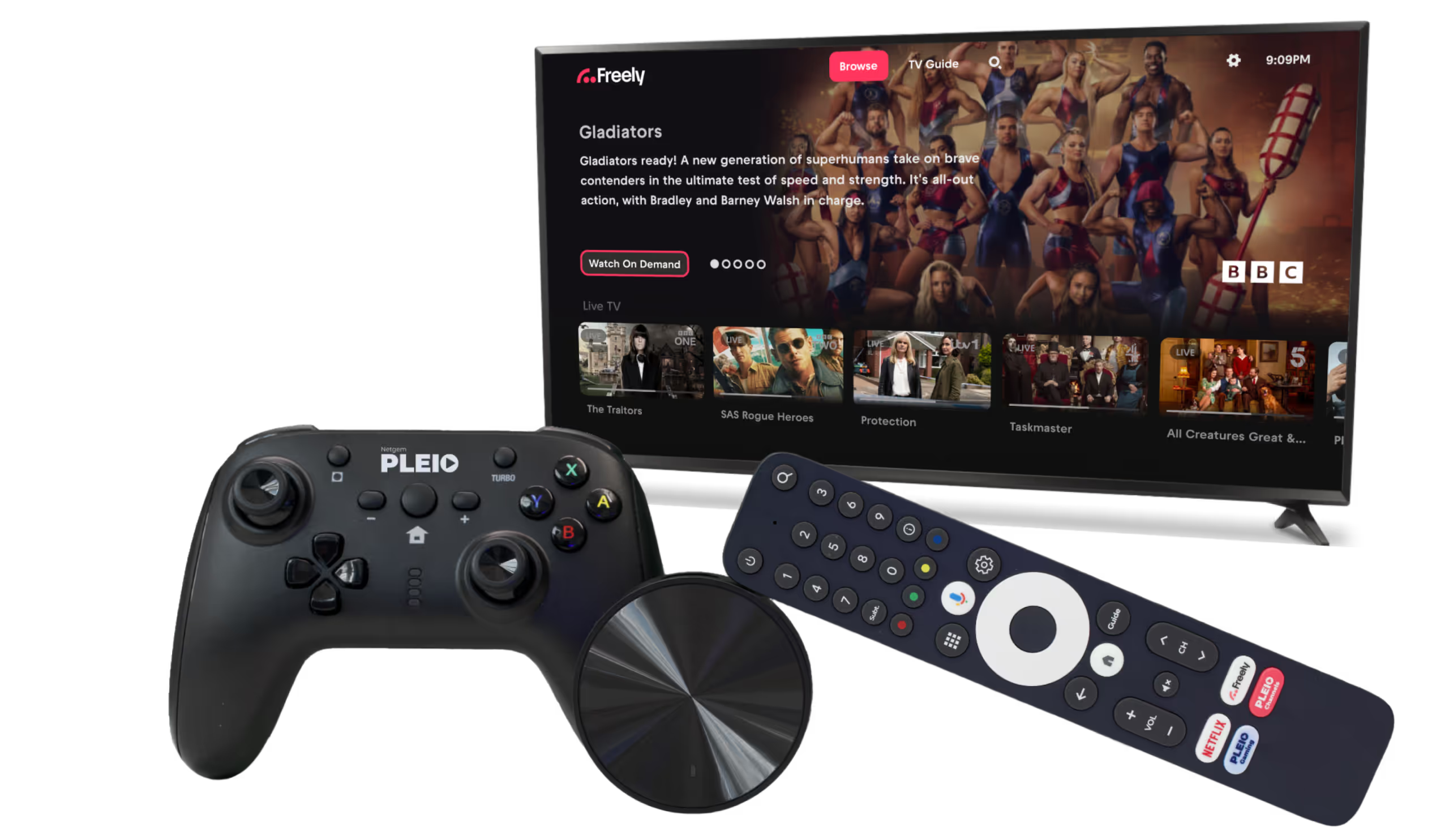
How to Use the Netgem PLEIO Freely TV Box Abroad
Why Freely is Blocked Outside the UK
Freely, like every other UK streaming service, uses geo-blocking to restrict access based on your location. This means if your IP address isn’t UK-based, you’ll be blocked from watching live or catch-up content.
A VPN can bypass these restrictions by routing your internet traffic through a UK server, making it appear as though you’re browsing from within Britain. However, many streaming services—including Freely—actively detect and block VPN traffic, especially if the IP addresses are from traditional VPN data centres. That’s where a residential IP VPN comes in.
Why a Pre-Configured VPN Router is the Best Solution
Works on All Devices
Freely is built into certain Hisense, Bush, TCL, Panasonic, Sharp and Toshiba sets, and into Amazon Fire TV televisions and others running Fire TV OS — the sets, not the sticks. But not all Freely Smart TVs support VPN apps, and a set bought overseas may not offer Freely at all — TCL is the usual example.
If your TV isn't Freely-enabled, a dedicated Freely box adds Freely to any television. Either way you still need a UK connection: a pre-configured VPN router puts every device in your home — Freely TV or Freely box — on it automatically, so nothing on the screen needs a VPN app of its own.
Hassle-Free Setup
Manually installing and configuring a VPN on a router can be complicated and time-consuming. A pre-configured VPN router comes ready to use, with the best settings pre-installed. Simply plug it in, connect your Freely Smart TV, and start streaming without any technical headaches.
Better Performance with Streaming-Optimised VPN Servers
Not all VPNs are fast enough for smooth streaming. A streaming-optimised VPN keeps the speed up, so live TV on Freely doesn’t buffer or drop quality.
Residential IPs for Reliable Access
Most standard VPNs use data centre IPs, which are easily detected and blocked by streaming services. Residential IPs are the part that matters: they give your TV a UK address that looks like a normal home internet connection.
How to Get Started
- Choose a pre-configured SmartHub VPN router
Stream UK TV Abroad VPN routers all come with UK residential IPs and streaming-optimised servers. - Plug in and connect
Set up your VPN router at home or abroad, ensuring all devices are connected. - Start streaming
Access Freely on your Freely Smart TV and enjoy your favourite UK shows without restrictions.
Need Help? Contact Our UK-Based Support Team!
If you have any questions or need assistance, our friendly support team is available via:
- Telephone
Frequently Asked Questions
Does Freely work abroad?
Not on its own. Freely is geo-restricted to the UK, so a Freely TV or box is blocked from live and catch-up content the moment you leave — whether you are in Ireland, Spain, France or further afield. With a UK residential IP on a VPN router it works exactly as it does at home.
Does Freely work in Ireland?
No — as far as Freely is concerned Ireland is outside the UK, so it is geo-blocked there like anywhere else abroad. A VPN router with a UK residential IP gives your TV a UK address and restores full access to live and on-demand channels.
Can I get Freely on a TV that is not Freely-enabled?
Yes. Freely is built into certain Hisense, Bush, TCL, Panasonic, Sharp and Toshiba sets and into Fire TV televisions, but if yours is not one of them, a dedicated Freely box — the Netgem PLEIO or Manhattan Aero — adds it to any television over HDMI.
Do I need a VPN app on my Freely TV?
No. A pre-configured VPN router puts every device in your home on a UK connection automatically, so nothing on the screen needs a VPN app of its own — which matters because many Freely sets cannot run one anyway.
Final Thoughts
Don’t let geo-blocks stop you from enjoying British television abroad.
Freely brings all your favourite channels together in one place, and that block is the only thing in the way. The best way past it is a pre-configured VPN router on a UK residential IP: put your Freely TV or Freely box behind one and live channels, catch-up and restart carry on working as they did at home.
Ready to start watching?
Get your pre-configured VPN router today to use with your Freely Smart TV!







