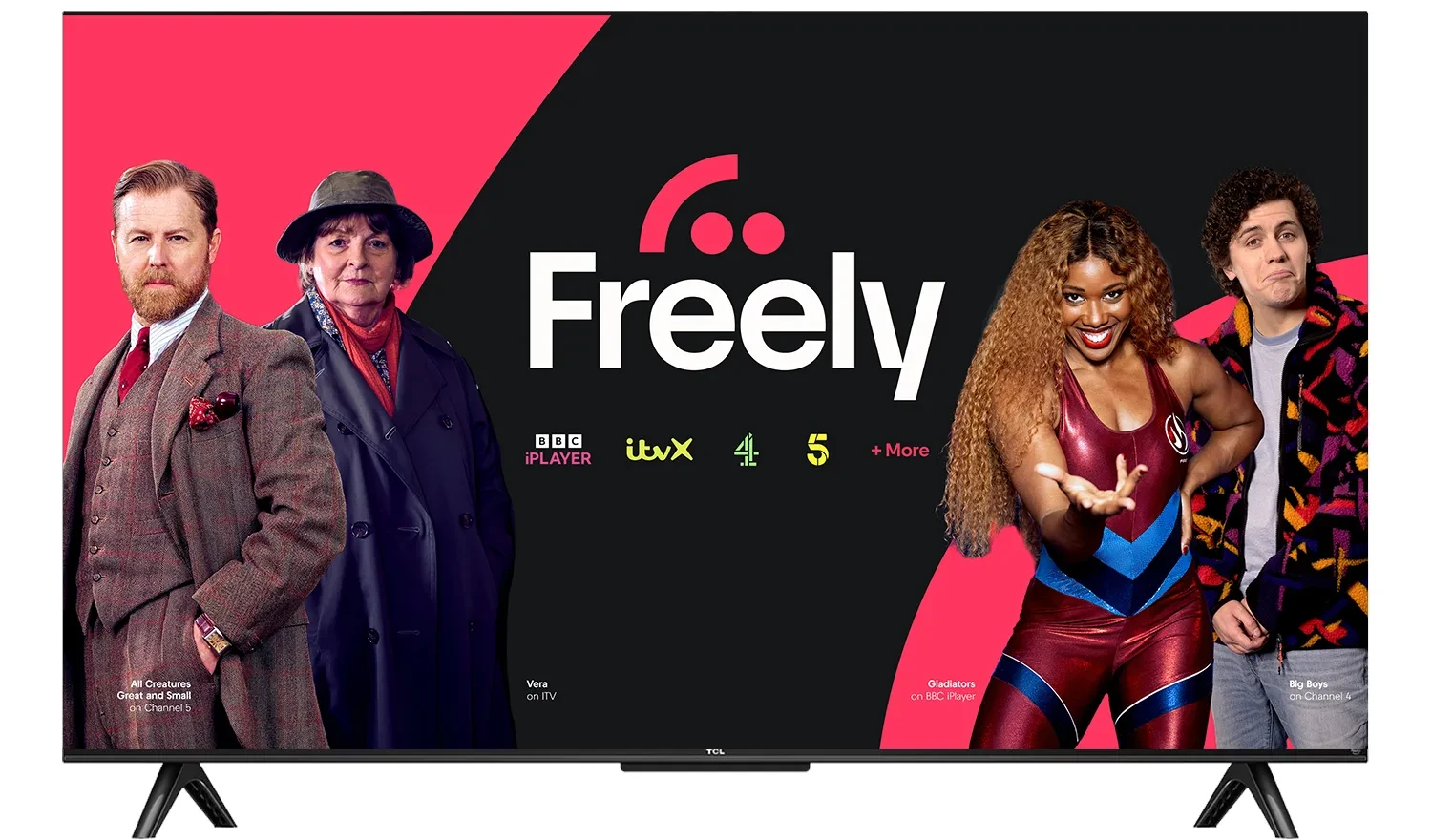
Freely Not Working on Your TCL TV? Here’s Why
Freely is now available on a growing number of UK televisions, including selected TCL models. But many people buying TCL TVs outside the UK quickly run into a problem.
Even after changing the app store location to the UK, Freely still doesn’t work.
That’s confusing, especially when the TV looks identical to UK models.
Changing the App Store Region Isn’t Enough
Many TCL televisions allow you to change the app store region to the UK.
This can make UK apps such as BBC iPlayer and ITVX appear in the app store.
But Freely is different.
Even with the region set to the UK:
- Freely may not appear at all
- Or it installs but doesn’t work properly
- Or live TV features are unavailable
That’s because Freely isn’t just controlled by app store settings.
Why Freely Is Restricted to UK Models
Freely support depends on specific UK-certified TV models, not just software settings.
For example:
- A TCL model sold in Europe might be labelled 32SF560
- The UK version is 32SF560-UK
Although they look identical, there are important differences.
UK models include:
- Freely integration at system level
- UK-specific firmware and certification
- Support for live TV streaming within the Freely platform
Non-UK models don’t include these features, even if the interface looks the same.
Why TCL TVs Bought Abroad Won’t Support Freely
If a TCL TV was bought outside the UK, changing region settings doesn’t change the underlying hardware or firmware.
So Freely won’t work as expected.
Can You Import a UK TCL TV?
In theory, you could import a UK model such as the 32SF560-UK.
But that isn’t always practical.
The snags:
- Limited availability outside the UK
- Warranty limitations
- Shipping costs and logistics
For most people, this is not the easiest route.
The Simple Alternative: Use an External Freely Device
A much simpler solution is to use an external Freely TV device.
This allows you to use Freely on any TV, regardless of where it was bought.
Current options include:
- Netgem PLEIO Freely TV box
- Manhattan Aero Freely TV box
These connect via HDMI and provide full Freely functionality. If you’re not sure which to go for, we’ve compared the Manhattan Aero and Netgem PLEIO side by side.
Why External Devices Work Better
Using a Freely TV box avoids the limitations of built-in TV platforms.
What that gets you:
- Works with any TV
- No reliance on manufacturer firmware
- Consistent Freely experience
- Easy to update or replace
This is particularly useful for TVs bought outside the UK.
Using Freely Abroad
Freely is designed for use inside the UK, so to use it abroad you’ll also need:
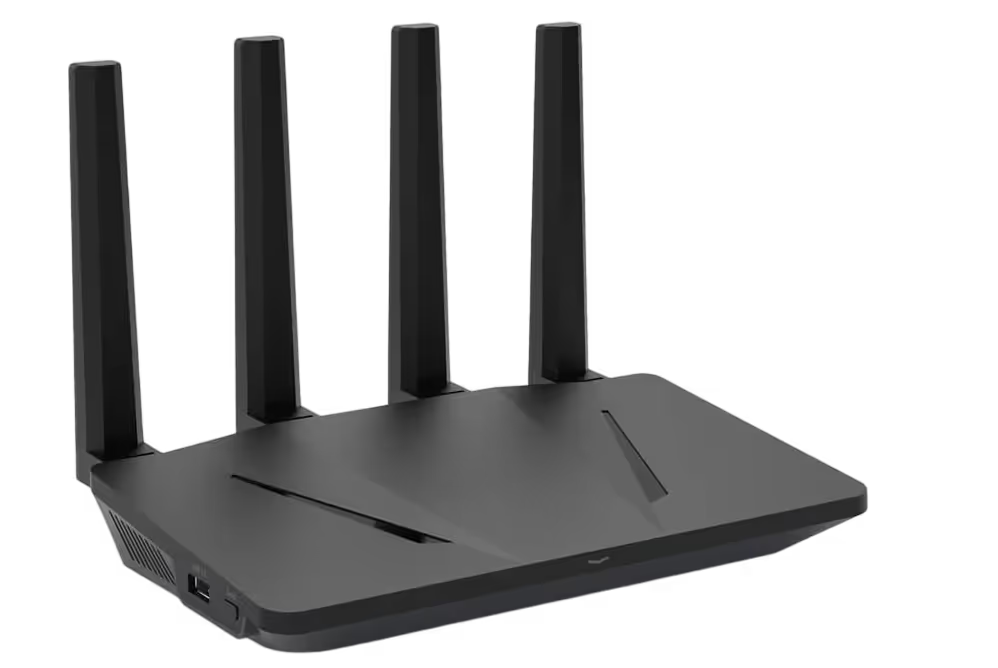
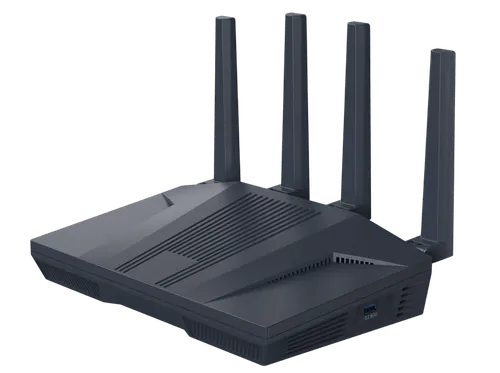
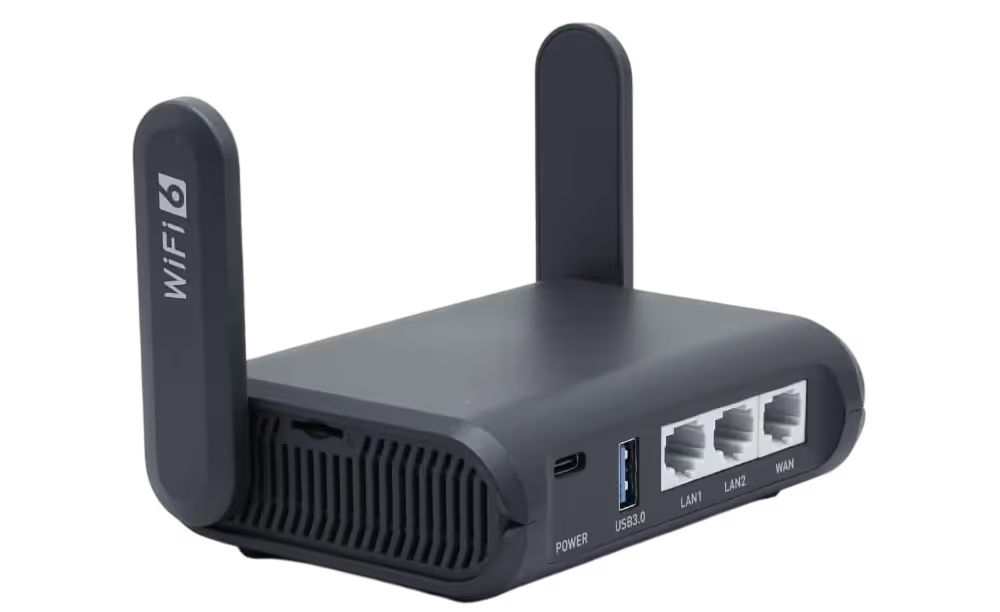
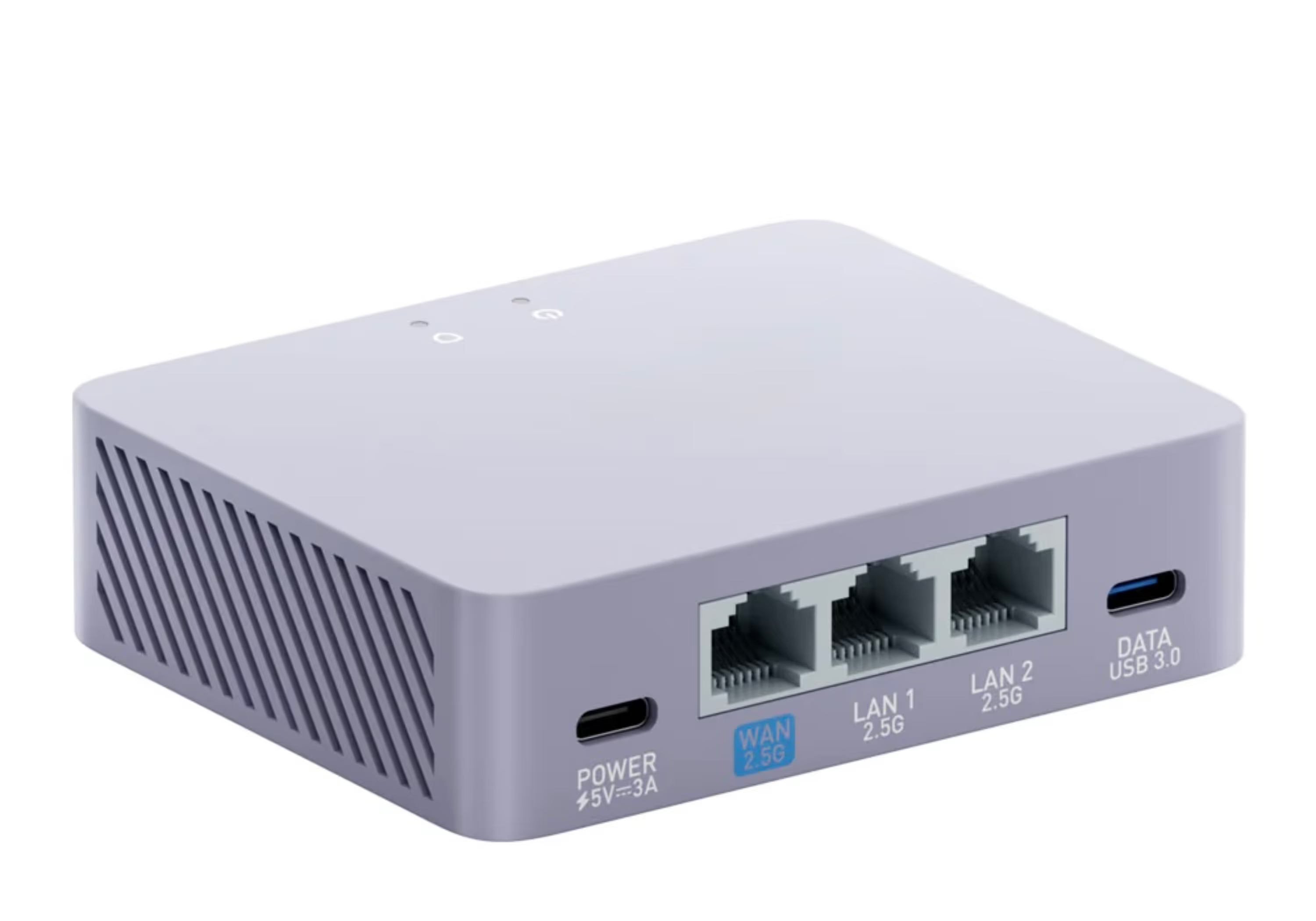
- A SmartHub VPN router
- A UK residential IP connection
- A stable internet connection
Once connected, Freely works as it would in the UK.
A Simple Setup That Works Anywhere
A typical setup includes:
- Your existing TV (TCL or any brand)
- A Netgem PLEIO or Manhattan Aero device
- A VPN router using a UK residential IP
This provides full access to live UK channels and catch-up services without needing a UK-specific television, because a UK residential IP makes the connection look as though you are watching from Britain.
Frequently Asked Questions
Do TCL TVs have Freely?
Some do — Freely is built into selected UK TCL models. But a TCL bought outside the UK almost certainly is not a UK-certified model, so it will not have Freely even though it can look identical to the UK version on the shelf.
Why doesn't Freely work on my TCL TV?
Freely support is built in at system level on specific UK versions — the UK 32SF560-UK versus the European 32SF560, for example — not switched on by software. A set bought abroad has different firmware and certification, so it will not run Freely even with the region changed.
Will changing the app store region to the UK fix it?
No. Changing the region can make apps like BBC iPlayer and ITVX appear, but Freely is different: it may not show up at all, or install without the live TV features working, because it depends on the TV's firmware and certification rather than app-store settings.
How can I get Freely on a TCL TV bought abroad?
The simplest route is an external Freely box — the Netgem PLEIO or Manhattan Aero — which connects over HDMI and brings full Freely to any television, whatever the brand or wherever it was bought. To use it outside the UK you also need a VPN router with a UK residential IP, so Freely sees a British home connection rather than a foreign one.
Final Thoughts
TCL televisions sold outside the UK may look identical to UK models, but they don’t include the same Freely support.
Changing the app store region isn’t enough to enable Freely, as the platform depends on UK-specific firmware and certification.
The fix is to add Freely with an external box such as the Netgem PLEIO, connected through a VPN router with a UK residential IP.
Whatever brand the TV is, and wherever you bought it, the box and the router do the rest.