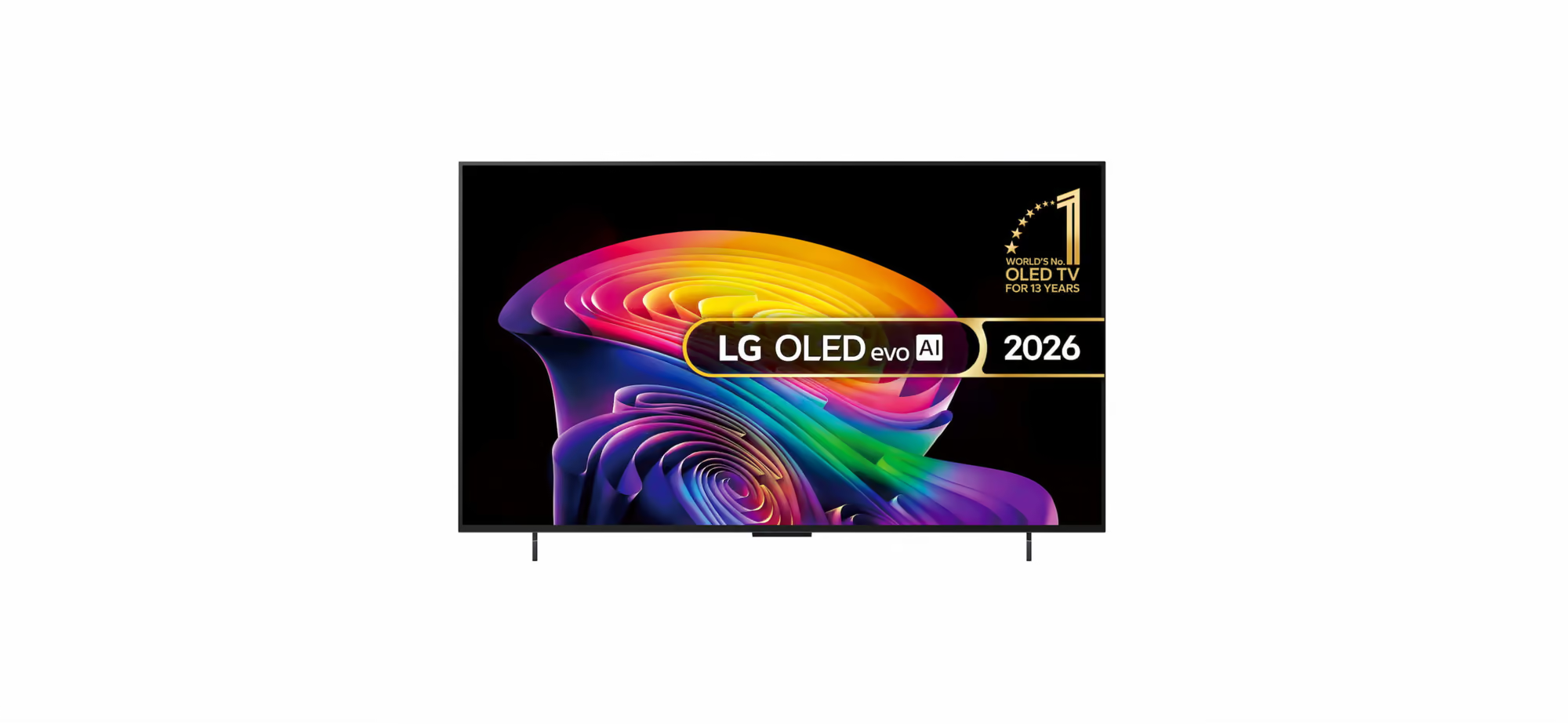
How to Use a VPN on an LG Smart TV Abroad
Travel outside Britain with an LG set and the UK apps stop working — BBC iPlayer, ITVX, Channel 4 and NOW each need a UK connection to play. The obvious fix, a VPN app on the TV, isn’t available: webOS has no VPN support, which is why NordVPN and ExpressVPN alike send LG owners to a router instead.
You don’t need one, though. The trick isn’t to fight the TV; it’s to alter the connection feeding it, and a router carrying a UK residential IP is the steadiest way to do exactly that. Below, we set out why the app approach leads nowhere on webOS, and what to do instead.
Why There’s No VPN App for an LG webOS TV
LG smart TVs run webOS, the company’s own in-house operating system, and like most smart-TV platforms it leaves no room for VPN apps. Search the LG Content Store and you won’t find one; dig through the network menu and there’s no tucked-away VPN toggle either. There’s nothing to install on the set itself.
One thing worth knowing if your television cost rather more than an LG: every current Bang & Olufsen Beovision is an LG webOS panel underneath — same platform, same answer.
Launch BBC iPlayer, ITVX or Channel 4 from abroad and each app reads your IP address, notes that you’re beyond the UK, and shuts you out. No setting on the TV undoes that, so the real fix is to change the connection your LG relies on — the identical hurdle Samsung owners meet, which we cover in our Samsung Smart TV VPN guide.
Your Options for Getting a UK Connection to an LG TV
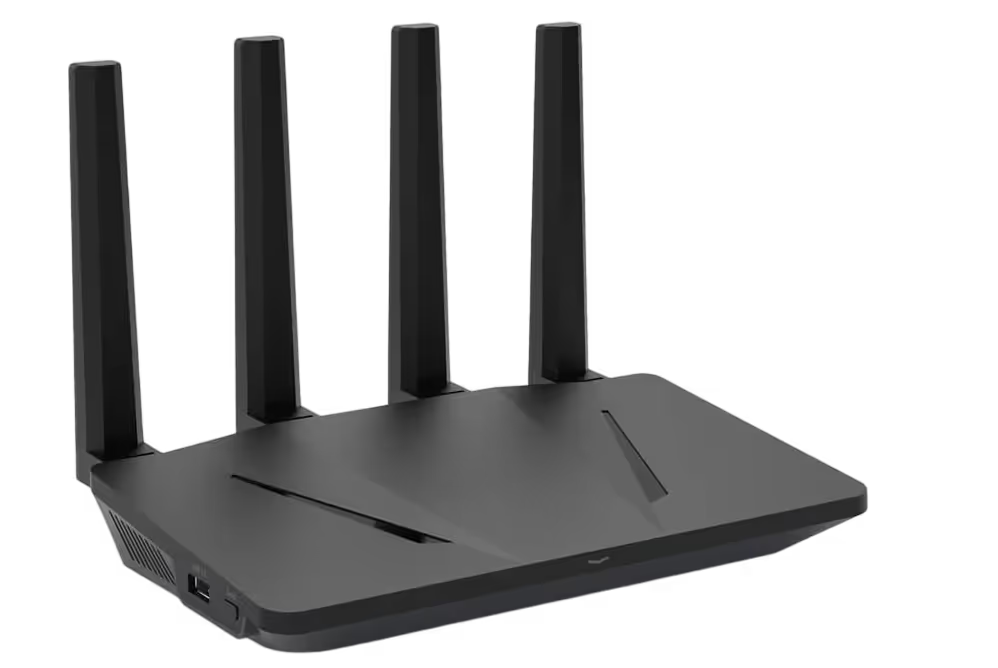
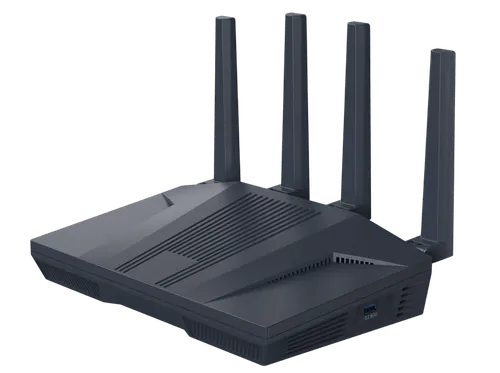
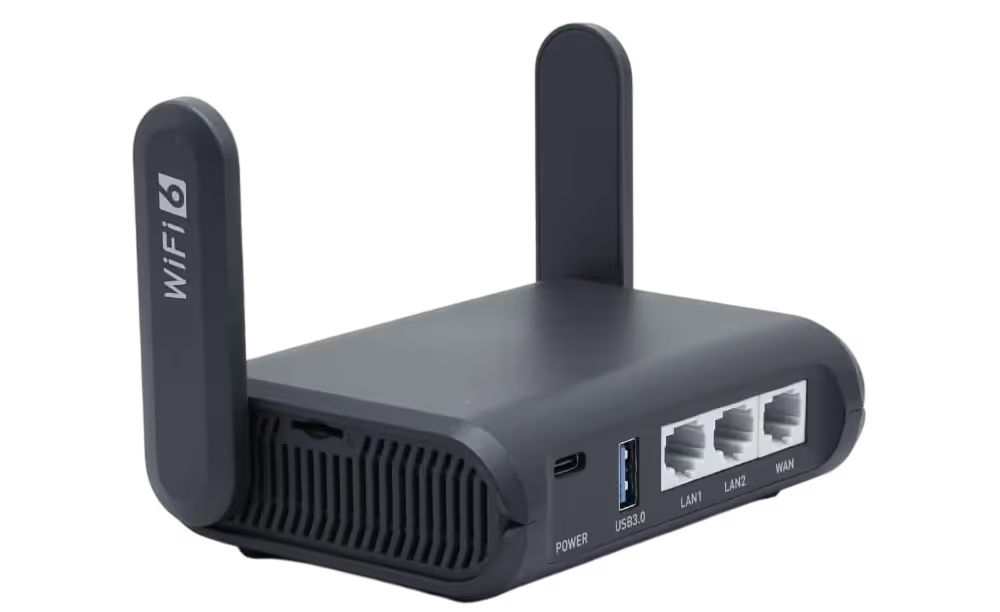
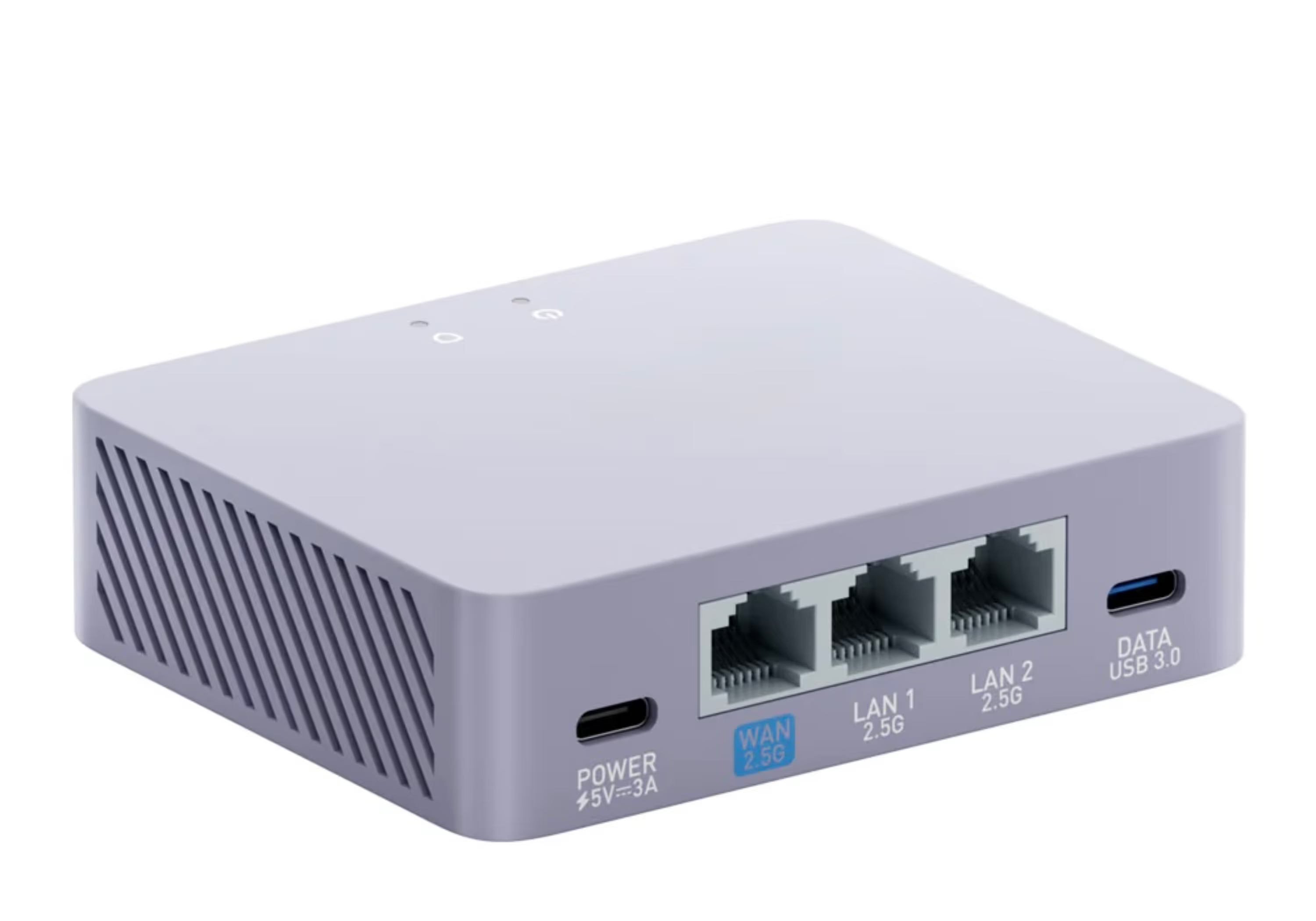
1. Connect through a VPN router (most reliable). Here the router slots in between your LG TV and the internet, sending the entire connection out through the UK. To the broadcasters, the TV and everything else sharing the network look like an ordinary UK home, and there’s nothing to load or adjust on the set. It comes closest to plug-and-play and copes best with HD streaming to a large screen.
2. Smart DNS. This swaps the DNS entries in your TV’s network settings to disguise your region for streaming. Setup isn’t hard, but it doesn’t encrypt your connection, covers only the specific services it’s built for, and is more and more often spotted and blocked by broadcasters like BBC iPlayer and ITVX.
3. Share a VPN from a computer. A Windows PC or Mac can run a VPN and be turned into a “virtual router” that your LG TV then joins. It does work, though it’s fiddly to arrange, keeps a computer tied up and powered on throughout, and has a habit of dropping out partway through a programme.
4. A VPN travel hotspot. A handset, or one of the cheaper travel routers, can pass a VPN connection along over Wi-Fi. The plus is portability, but a phone’s battery empties fast and low-cost hardware has little left for a TV stream once it’s encrypting everything — and hardware like that usually finds itself blocked before long.
Freely is one route an LG simply doesn’t have. That free-to-view UK platform ships inside particular Hisense, Bush, TCL, Panasonic, Sharp and Toshiba televisions — not LG, and not Samsung — so an LG offers no Freely app to lean on.
So methods 2–4 are the only choices left besides a router, and not one of them holds up as steadily for watching UK TV on an actual television. Our guide to watching British TV on a smart TV without VPN apps reaches the same conclusion.
Why a Pre-Configured Router Suits an LG Best
A pre-configured VPN router turns up ready to go — no codes to key in, nothing to set. Connect it to your internet abroad, then link your LG TV by Wi-Fi or its Ethernet port, and the set carries on as though it were still back in Britain, unlocking:
- BBC iPlayer
- ITVX
- Channel 4 and Channel 5
- NOW (Sky Sports and Sky Atlantic) and HBO Max, using your own valid UK subscriptions
Nothing needs sideloading and there are no DNS codes to look after — and since the connection comes from the router, the benefit reaches your whole household, not just one television.
The UK Residential IP Is What Makes It Work
Here’s where the everyday VPNs come unstuck. The majority send traffic over commercial data-centre IP addresses, which broadcasters recognise and block — the very reason app-based VPNs and Smart DNS fall over so regularly.
Our routers ride on genuine UK residential broadband IPs — the kind of line a real home in Britain runs on. As far as BBC iPlayer or ITVX can tell, your LG TV looks like an ordinary UK home — and that’s why a residential IP is the connection that gets past the streaming blocks where other methods get flagged.
First, Make the UK Apps Appear
The router changes the connection — but it can only unblock apps your LG actually has. If the set already shows BBC iPlayer, ITVX, Channel 4 and NOW, you’re good. If it doesn’t — usually because the TV was bought abroad, or first set up outside Britain — the apps are missing because the TV thinks it lives in another country, and that’s a quick fix on the set itself, with no router needed for this part.
On the TV, open All Settings → General → System → Location and set LG Services Country to the United Kingdom. (On sets from 2020 or earlier it’s All Settings → General → Location; the wording shifts a little between webOS versions.)
The TV reloads its store for Britain, the UK apps become available to install, and the SmartHub router then does the other half — giving them a UK address so they play instead of seeing you abroad.
Worth a quick check before you order. LG limits that country list to the region the set was sold in — a TV bought in Europe offers European countries, one bought further afield may not list the UK at all. So open that menu now and see whether United Kingdom is there.
If it’s there, you’re ready for a router. If it isn’t, nothing’s lost — and even if it is, the apps are only half the picture: they’re the on-demand route, app by app. For the more traditional experience — live channels, a proper guide, restart — a Freely box over HDMI is the nicer way, and plenty of people run both.
A Netgem PLEIO or Manhattan Aero carries iPlayer, ITVX, Channel 4 and 5 in its own right, so the LG’s store stops mattering, and behind the same SmartHub router it all plays just as it would at home. (The PLEIO also runs the NOW app, for Sky Sports on that screen.)
Setting It Up with Your LG TV
- Order your pre-configured VPN router from Stream UK TV Abroad — leave a few days for it to arrive so it’s ready ahead of your trip
- Connect it to your internet abroad — home broadband, 4G/5G or Starlink
- Join your LG TV to the router’s Wi-Fi or Ethernet port
- Launch your usual apps — BBC iPlayer, ITVX, Channel 4 — and start watching
The whole thing is a few minutes’ work — no software, no settings, no codes.
One Router, the Whole Household Covered
Since the router is the thing supplying the UK connection, whatever joins that Wi-Fi network picks up the same UK residential IP — the LG TV included, but far from alone. A Fire TV Stick, Chromecast, Apple TV, laptops, tablets, phones and games consoles can stream together, each appearing to sit in the UK.
LG Smart TV VPN: FAQs
Can you install a VPN app on an LG smart TV?
No. LG’s webOS operating system doesn’t support VPN apps — it’s why NordVPN and ExpressVPN both send LG owners to a router rather than an app. You change the connection the TV uses instead — most reliably with a VPN router, so there’s nothing to install on the TV.
Does LG webOS have a built-in VPN?
No. There’s no built-in VPN and no VPN option hidden in the network settings. The dependable way to give an LG TV a UK connection is a router that carries a UK residential IP.
Is LG a Freely TV?
No. Freely, the UK's free-to-view streaming platform, is built into certain Hisense, Bush, TCL, Panasonic, Sharp and Toshiba sets — not LG or Samsung. On an LG, a SmartHub VPN router (with a genuine UK residential IP) is the clean way to reach UK apps abroad.
Do I need to set my LG TV’s country to the UK?
Only if the UK apps aren’t already showing. An LG bought in Britain and taken abroad already has the UK apps — you just need the connection a router provides. If it was bought or set up abroad, set the LG Services Country to the United Kingdom and the apps appear to install; the router then makes them play. If the UK isn’t selectable — LG limits it to the set’s region — a Freely box over HDMI carries the apps itself, behind the same router.
Will a VPN slow down my LG TV?
A good VPN router adds only a little overhead and can handle HD, and 4K if your internet connection allows. Because our routers use residential UK IPs on real broadband, streaming stays smooth rather than throttled or blocked — though, as with any streaming, your local internet speed still matters.
The Bottom Line
The app you’re looking for doesn’t exist on webOS — and you don’t need it. A pre-configured VPN router hands the set, and the rest of the house, a UK residential IP, so BBC iPlayer, ITVX and more play as they do back home, in HD or 4K where your line allows. It’s the one plug-and-play option, and among the toughest for streaming services to detect. Order before you set off and you’ll be ready in time.