New Fire TV Sticks (Vega OS) Can't Sideload a VPN — Here's the Fix
You can't sideload a VPN app onto Amazon's new Vega OS Fire TV Sticks — and even the VPN apps you can install won't reliably unblock UK TV. Amazon has confirmed that its future Fire TV Sticks will run Vega OS, a locked-down system that only installs apps from its own Appstore. The simplest, most reliable answer is to put a UK residential IP on your router instead — then any Fire Stick works abroad with nothing to install.
Here's what's changed, why it matters for streaming your own UK subscriptions abroad, and how to keep watching on a Fire Stick without fighting the device.
What Vega OS Is (and Which Fire Sticks Run It)
In April 2026, Amazon confirmed that all its future Fire TV Sticks will run Vega OS — a Linux-based operating system that replaces the older, Android-based Fire OS. It isn't Android under the bonnet any more, and that single change is what affects VPN users. The rollout has already begun:
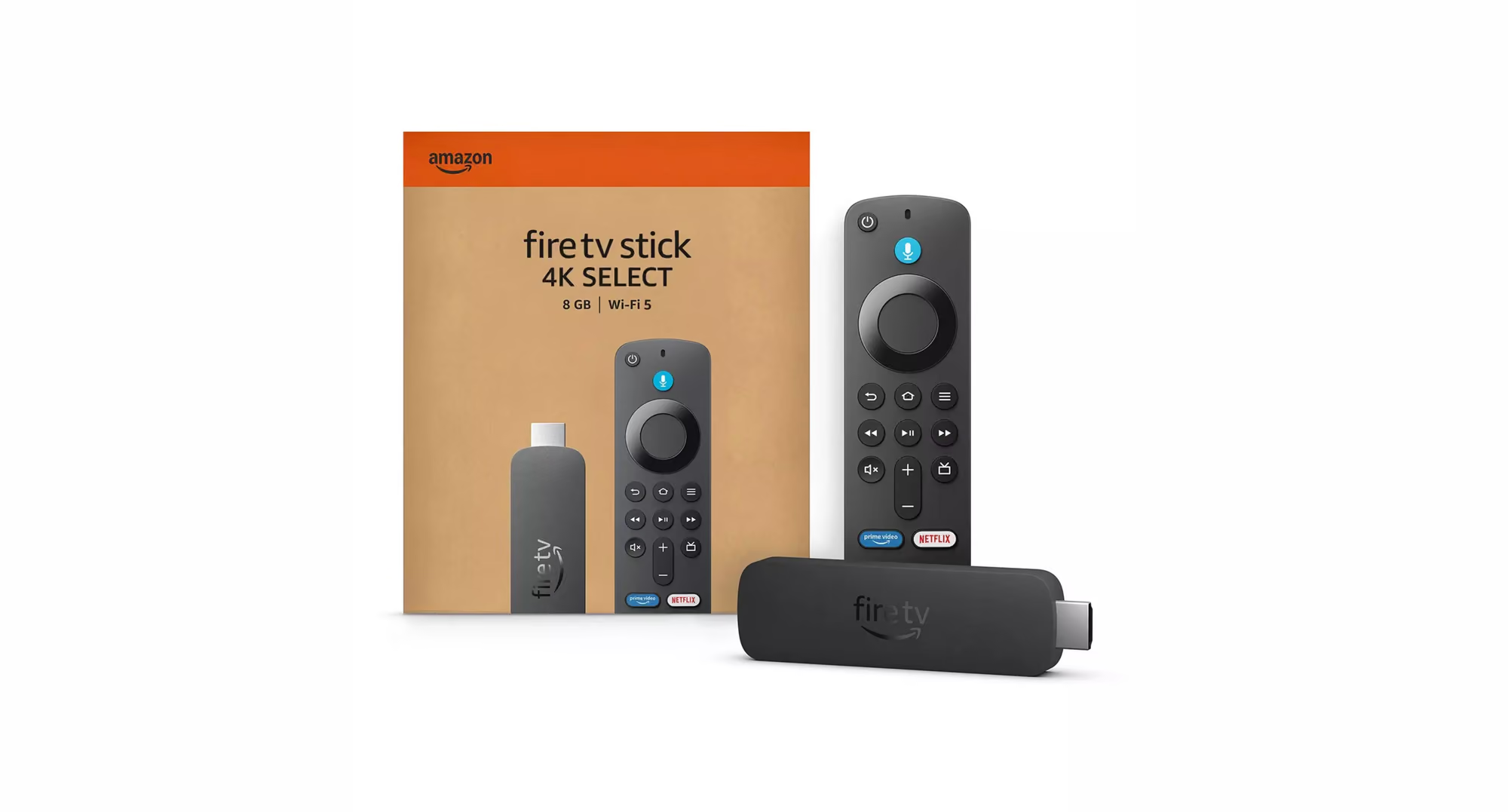
- Fire TV Stick 4K Select — the first Vega OS stick, launched in October 2025
- Fire TV Stick HD — the newer Vega model, which shipped on 29 April 2026
Amazon has said this is the direction of travel for the whole range, so a newly bought Fire Stick is increasingly likely to be a Vega device rather than one of the familiar Android ones.
Can You Put a VPN App on a Vega Fire Stick?
The catch with Vega OS is that it blocks sideloading entirely. On the older Android Fire Sticks you could install apps from outside the official store — including VPN apps, and less legitimately, third-party IPTV apps. Vega OS closes that door: you can only install what Amazon offers in its own Appstore. The old trick of downloading a VPN's installer file and sideloading it doesn't work on these devices at all.
The Appstore isn't empty, though. A few of the big names have now shipped Vega apps — NordVPN, Surfshark and IPVanish among them. So on a Vega stick you may well be able to install a VPN.
The trouble is that installing one doesn't get you very far. UK streaming services aren't really checking which device you're on — they're checking what kind of address you arrive from. A commercial VPN app routes you through a shared data-centre address, and those are exactly the addresses the broadcasters already know about.
So the app installs, it connects, and it still won't unblock BBC iPlayer with any consistency. That has been the story on the older Android Fire Sticks for years, and Vega OS doesn't change it.
The Older Android Fire Sticks Can Still Sideload
For now, several models still run Fire OS (the Android-based system) and still allow sideloading:
- Fire TV Stick HD (the 2024 model — not to be confused with the new Vega one of the same name)
- Fire TV Stick 4K Plus
- Fire TV Stick 4K Max
- Fire TV Cube
If you already own one of these, you can still install a VPN app on it. But even there it's fiddly — and it hits the same wall: the app still connects through a commercial data-centre IP. Our guide on whether your Fire Stick will work abroad covers this in more detail.
In short: sideloading is on the way out — Google is tightening it on Google TV and Chromecast too — and even where it still works it tends to be the less dependable option.
Why the Router Route Is Better Anyway
Here's the good news: you don't have to fight the device at all. Instead of trying to put a VPN on the Fire Stick, you put the UK connection on the router the stick connects to.
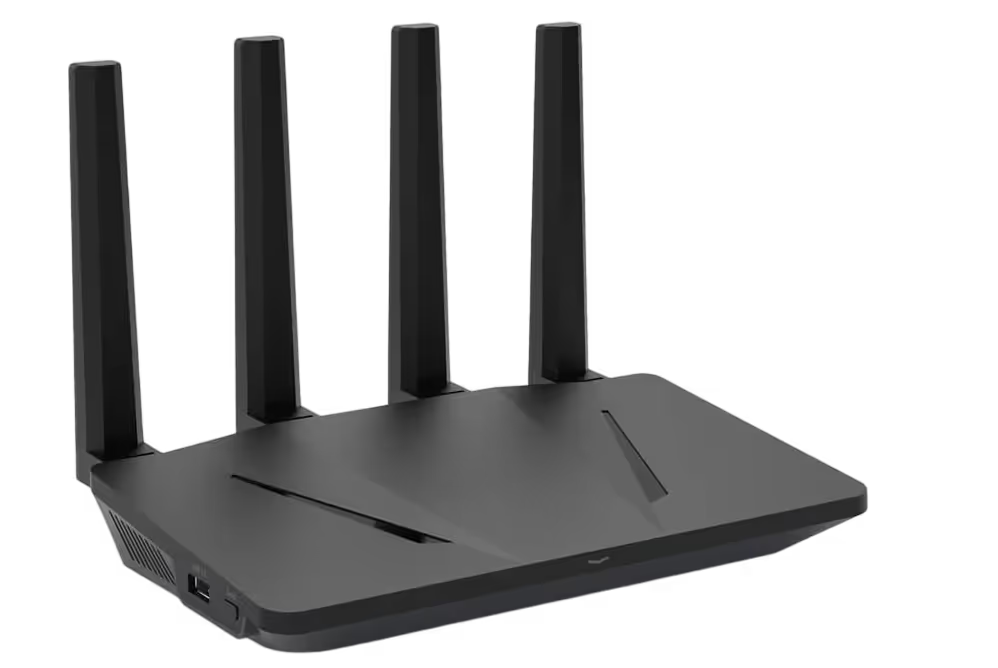
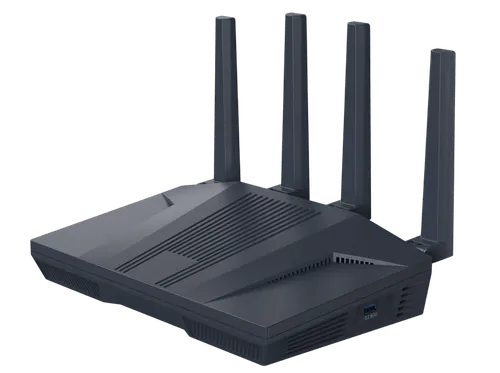
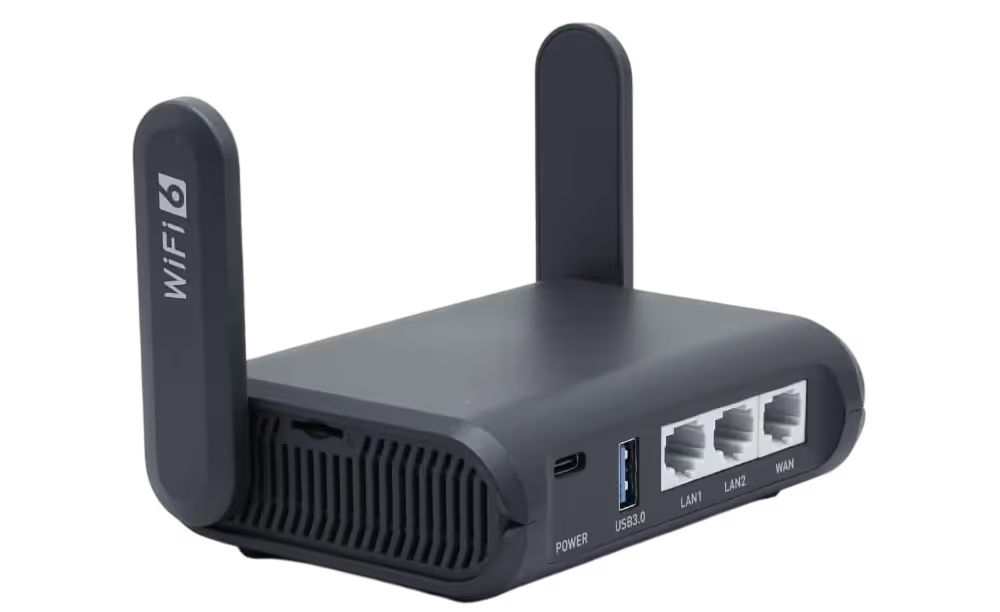
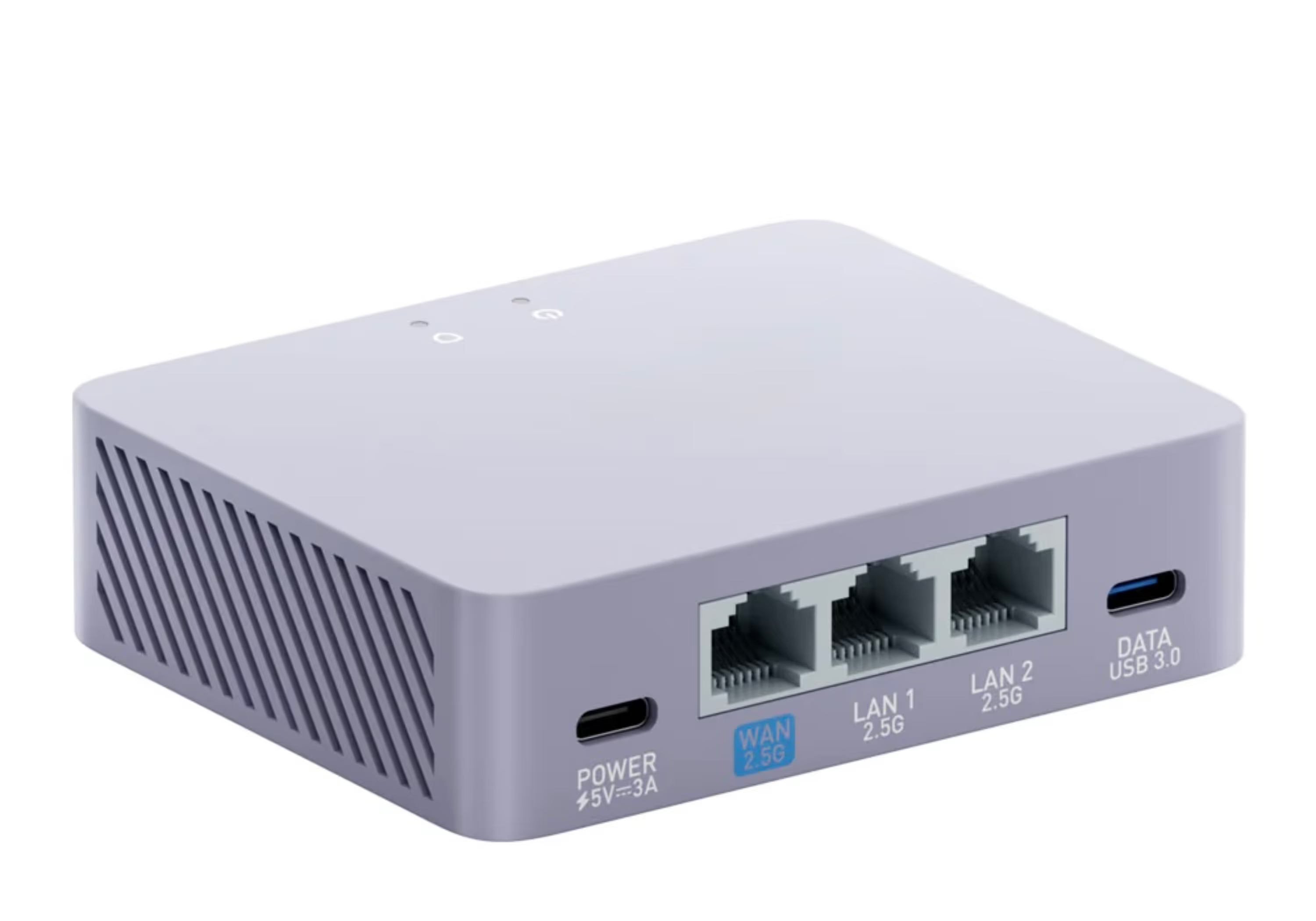
Our pre-configured VPN router connects through a genuine UK residential IP — the same kind of address an ordinary British home uses. Every device on that router's Wi-Fi shares it, so UK services see an everyday UK household rather than a VPN. Because the clever part sits in the router, any Fire Stick works — Vega or Android — with nothing to install on the stick itself.
That neatly sidesteps the whole sideloading problem: it doesn't matter that Vega OS is locked down, because you're not installing anything on it.
How to Watch UK TV Abroad on a Fire Stick, Step by Step
- Order a pre-configured VPN router from Stream UK TV Abroad — allow a little time for delivery so you're set up before you travel
- Plug it into your internet abroad — home broadband, 4G/5G or Starlink
- Connect your Fire Stick to the router's Wi-Fi — any model, Vega or Android
- Open your usual apps — BBC iPlayer, ITVX and the rest — and sign in to your own valid UK accounts
There's nothing to sideload and no codes to enter. The router supplies the UK residential IP; the Fire Stick just runs the apps as it normally would.
This Also Ends the "Dodgy Fire Stick" Era
Vega OS quietly puts a stop to the so-called "fully loaded" or "dodgy" Fire Sticks — the ones sold with pirated IPTV apps sideloaded on. Those apps were always illegal and unreliable, and they've long been blamed for slowing home broadband to a crawl. On a Vega stick they simply can't be installed.
The router route is the legitimate alternative. You use your own valid UK subscriptions — BBC iPlayer, ITVX, NOW, Sky and the rest — and the router simply gives you a UK residential IP so those services work while you're away. It's the honest, steadier way to watch, rather than relying on a dodgy box that could stop working at any moment.
One Router, the Whole Household
Because the router supplies the UK connection, every device on that network benefits — not just the Fire Stick. Phones, tablets, laptops, smart TVs and games consoles can all stream at the same time, all looking like one ordinary UK home. Set it up once and the whole household is covered, wherever you're staying.
New Fire TV Sticks Abroad: FAQs
Which Fire TV Sticks run Vega OS?
The Fire TV Stick 4K Select (launched October 2025) and the new Fire TV Stick HD (shipped 29 April 2026) run Vega OS, and Amazon has confirmed all its future Fire TV Sticks will use it too. The older Fire TV Stick HD (the 2024 model), 4K Plus and 4K Max still run the Android-based Fire OS.
Can you install a VPN on a Vega OS Fire Stick?
Sometimes — but it won't reliably get you UK TV. Vega OS blocks sideloading entirely, so the old installer-file trick is gone. A few providers have since put Vega apps in Amazon's Appstore, including NordVPN, Surfshark and IPVanish. Even where an app is available, it connects through a shared commercial address that UK services are good at spotting, so it won't unblock BBC iPlayer with any consistency. Putting a UK residential IP on your router instead lets any Fire Stick work abroad, with nothing to install on the stick.
Will my old Fire Stick still work abroad?
Yes. The older Fire TV Stick 4K Plus and 4K Max still allow sideloading, and any Fire Stick — old or new — works abroad when it's connected to a SmartHub VPN router with a UK residential IP, because the UK connection comes from the router rather than the stick.
Do I need to install anything on the Fire Stick with a VPN router?
No. With a VPN router there's nothing to sideload onto the Fire Stick. You just connect the stick to the router's Wi-Fi and open your usual apps, and the router provides a UK residential IP so the services see an ordinary UK household.
Final Thoughts
Amazon's move to Vega OS means sideloading a VPN onto a new Fire Stick is no longer an option — and the handful of VPN apps that have reached the Appstore still run into the same address problem. It was never the most dependable route anyway.
Put the UK residential IP on the router and any Fire Stick works abroad with nothing to install, using your own UK apps and services. Order ahead so you're set up before you travel, and the whole household can watch from day one.