
Why Does My Fully-Loaded Fire Stick Slow Down My Internet Connection?
You bought a "fully-loaded" or "jailbroken" Fire Stick to watch UK TV and sport abroad — cheap, easy, thousands of channels for a one-off fee. But since you set it up, your whole internet connection has slowed to a crawl. Web pages take an age to load, video calls drop, and everything feels sluggish, even when nobody's streaming.
If that sounds familiar, you're not imagining it — and the cause is more serious than a slow app.
So why does a dodgy Fire Stick slow down your internet, and what should you use instead?
The short answer is that many of these devices come pre-loaded with hidden malware, and that malware can quietly sell access to your broadband connection to complete strangers. This guide explains what's really happening behind the scenes, why it drags your whole connection down, whether these devices are dangerous, and the safe, legal way to keep watching UK TV abroad on a proper TV setup.
What's Actually Slowing Down My Internet Connection?
When you buy a "fully-loaded" Fire Stick from an unofficial seller — usually through social media, marketplaces or word of mouth — it's been tampered with before it reaches you. Alongside the illegal IPTV apps, these devices frequently carry a hidden Trojan payload: malicious software bundled in without your knowledge.
That Trojan often turns your device, and your home network, into a proxy. In plain English, it opens up your internet connection so that other people can route their own traffic through it — using your broadband as if it were theirs.
You never agreed to it, you can't see it happening, and it runs quietly in the background the whole time the device is plugged in.
How Criminals Sell Your Broadband Without You Noticing
Here's the part almost nobody realises. Once your connection has been turned into a proxy, that access gets sold on.
Shady IPTV and "residential proxy" operators bundle together thousands of infected connections like yours and sell access to them. Because your traffic looks like it's coming from a genuine home broadband line — whether you're in the UK, Spain, France, or elsewhere — it's valuable to buyers who want to disguise where they really are. It lets them appear as if they're sitting in your living room, rather than hiding behind an obvious data centre.
The people paying for that access can be anyone — other IPTV pirates, scammers, fraudsters, or criminals simply trying to hide their identity online.
Every time they use your line, they're eating into the bandwidth you're paying for. When several unknown users push their traffic through your connection at once, it becomes saturated, and that's exactly why everything slows down: streaming buffers, downloads crawl and calls drop, even when your own household is barely using the internet. You're effectively sharing your broadband with people you'll never see.
Are Fully-Loaded Fire Sticks Dangerous? The Risks Beyond Slow Internet
A sluggish connection is just the symptom you happen to notice. The bigger problems run deeper, and yes — a fully-loaded Fire Stick can be genuinely dangerous.
Because criminals are routing their activity through your line, your IP address ends up linked to whatever they're doing — and that traces back to you, not them. Malware capable of hijacking your connection can often harvest passwords, banking details and other sensitive data too, and once one device on your network is compromised, the phones, laptops and smart devices sharing that network can be exposed as well.
On top of all that, these IPTV services stream pirated content in the first place, which carries its own legal risk — and it's a risk the platforms are now acting on, with Google TV removing flagged sideloaded apps automatically.
Put simply, a cheap Fire Stick can end up costing you far more than you ever saved.
The Safe, Legal Way to Watch UK TV Abroad
The good news is you don't need a dodgy IPTV box to enjoy UK TV overseas. There's a far more reliable way to do it — using the official free-to-view UK services on a proper TV setup.
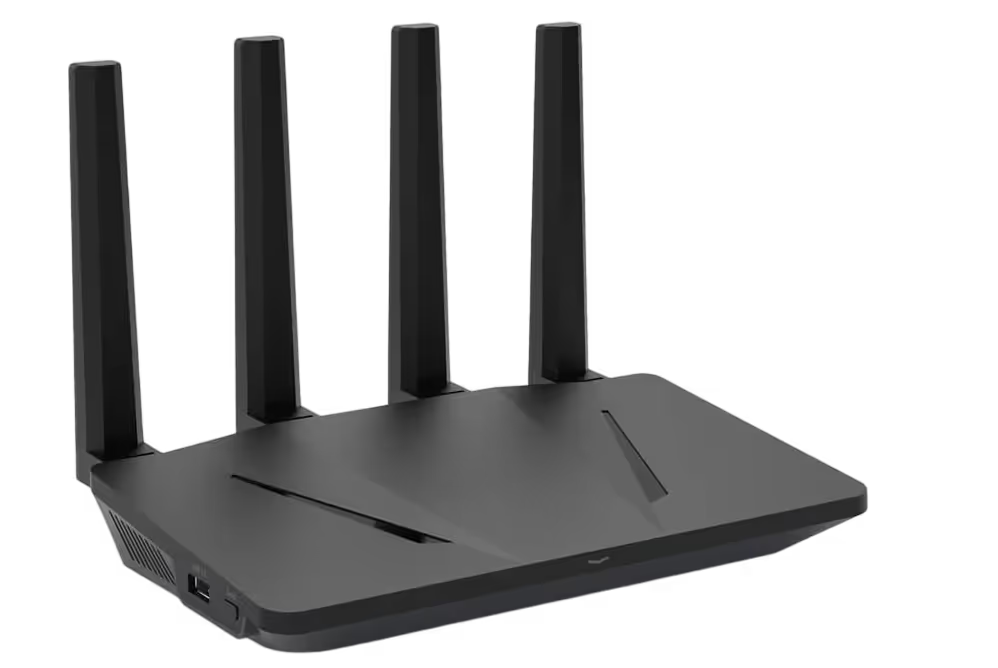
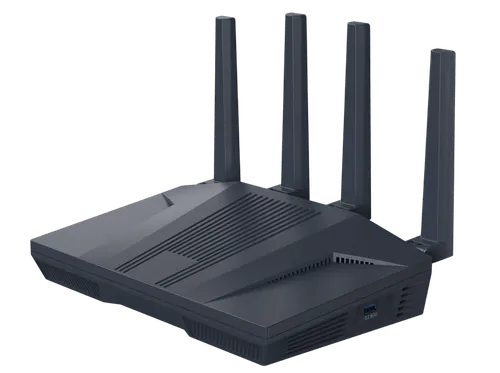
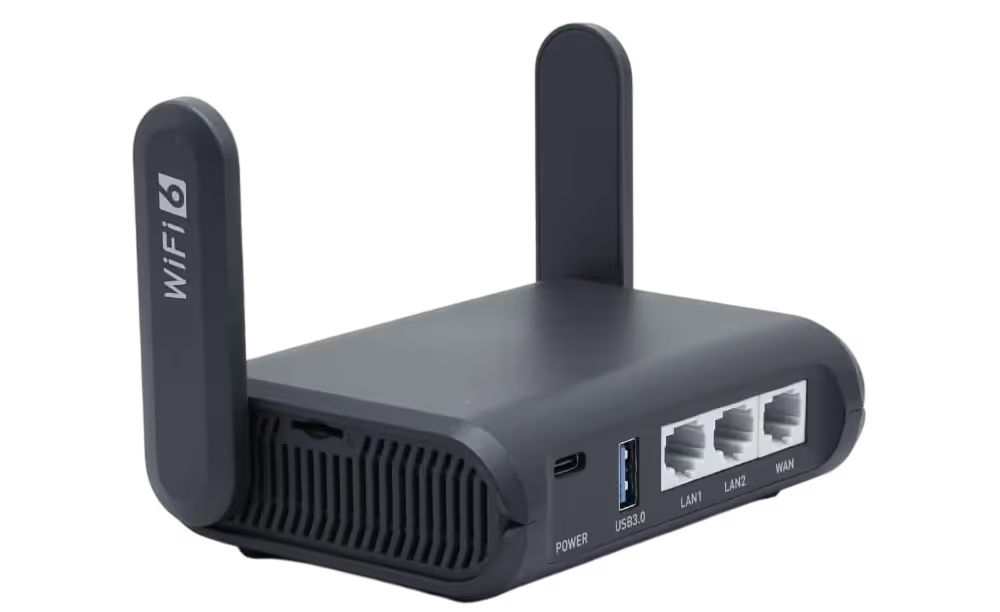
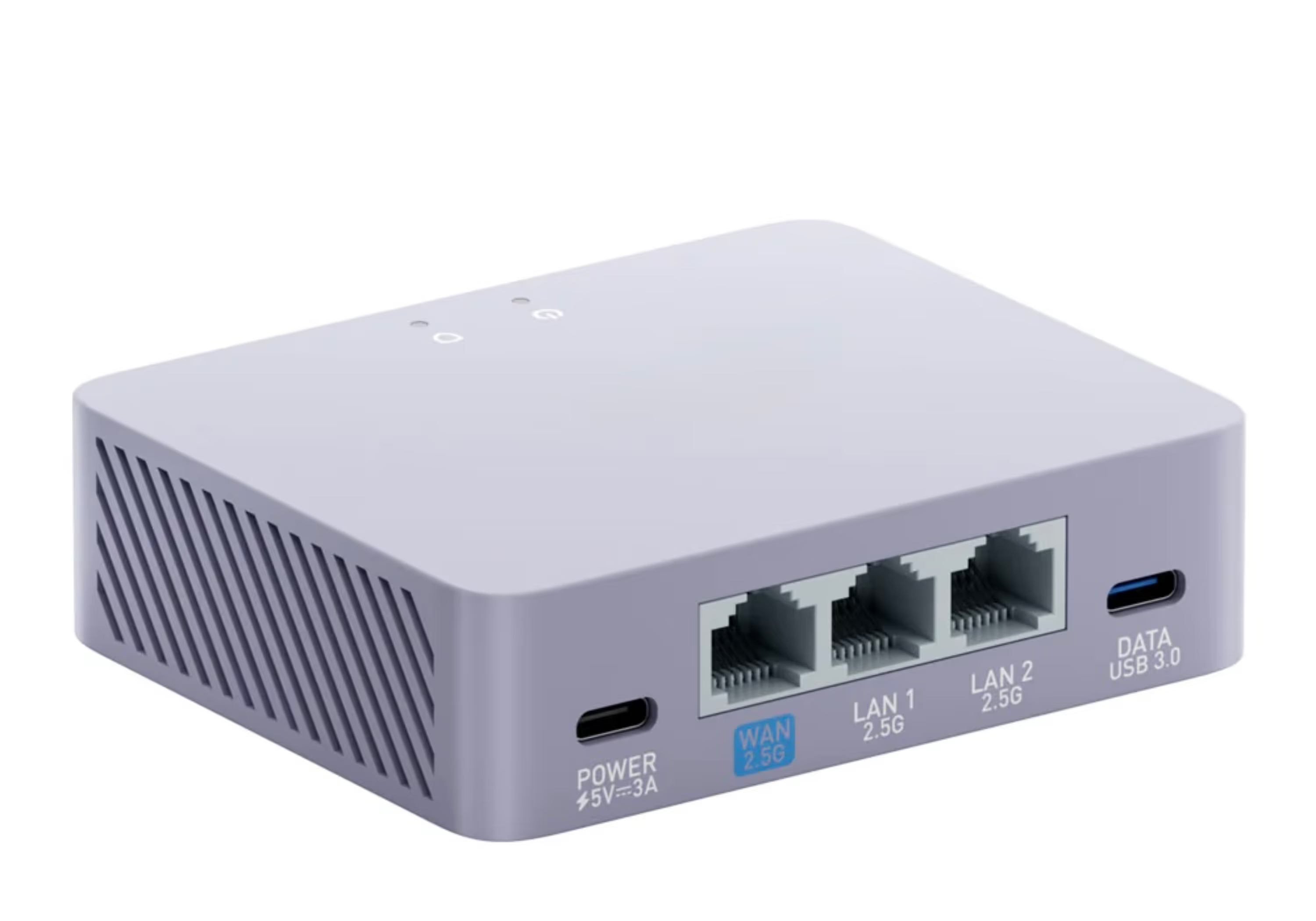
Instead of pirated channels piped through malware, the approach is simple: a pre-configured VPN router with a UK residential IP address, paired with a genuine Freely TV box. The router handles the connection at network level, so every device connected to it appears to be in the UK. A UK residential IP behaves just like a normal UK home broadband line — so to BBC iPlayer, ITVX and Freely, you simply look like a viewer at home.
Nothing hidden, nothing illegal, and your connection stays yours and yours alone.
Getting Freely on Any TV — the Legal Fire Stick Alternative
Freely is a new way to watch free-to-view UK television without an aerial or satellite dish, and it's being positioned as the future replacement for Freeview and Freesat. It delivers live BBC, ITV, Channel 4, Channel 5 and other free-to-view channels entirely over the internet, alongside full catch-up and on-demand — all through the official apps, with no piracy and no risk to your data.
Freely is now built into a growing number of new UK televisions. For existing TVs, there are two dedicated external boxes that bring Freely to any screen via HDMI: the Netgem PLEIO and the Manhattan Aero.
The Netgem PLEIO brings Freely and the popular UK services together in a single interface. Built on Android, it offers the widest range of apps with Google Play directly on the device.
The Manhattan Aero delivers Freely via the TiVo platform and is a straightforward choice if you're migrating from a Freesat box and want to add Freely without replacing your television. If you're not sure which suits you, our Manhattan Aero vs Netgem PLEIO guide compares them side by side.
Used with a VPN router and a UK residential IP, either box gives you a clean, reliable way to switch between all the main UK channels abroad — genuine hardware doing exactly what it should, with none of the malware, slowdown or legal worry that comes with a fully-loaded Fire Stick.
We Supply the Complete Setup — Shipped Worldwide
At Stream UK TV Abroad, we supply Netgem PLEIO and Manhattan Aero Freely TV boxes alongside our pre-configured SmartHub VPN routers, giving you a complete, legal setup designed specifically for watching UK TV abroad.
Most UK retailers won't ship Freely boxes internationally — here's how we get one to you wherever you are: Buy a Freely TV Box Abroad.
A typical setup looks like this:
- Your existing internet connection abroad
- A pre-configured VPN router using a UK residential IP
- A Smart TV, Netgem PLEIO or Manhattan Aero Freely box
- BBC iPlayer and ITVX via Freely or their native apps
Once it's set up, you get all your UK channels live or on catch-up, exactly as if you were at home — safely, legally, and without a stranger's traffic dragging your connection down.
What to Do If You've Already Got a Dodgy Box
If your connection slowed down after setting up a fully-loaded IPTV Fire Stick, the sensible steps are to unplug it and disconnect it from your network straight away, then replace it rather than trust it — a Trojan-loaded device can't be relied on even after a factory reset.
It's worth changing your important passwords too, especially banking, email and streaming accounts, ideally from a separate device you trust, and restarting your router to clear any lingering connections. From there, switching to a genuine VPN router and Freely box gives you everything the dodgy Fire Stick promised, without any of the risk.
Frequently Asked Questions
Does a fully-loaded Fire Stick slow down your WiFi?
Yes, it can. Many fully-loaded Fire Sticks carry hidden malware that turns your connection into a proxy, letting strangers route their own traffic through your broadband. When your line is used this way it becomes saturated, which slows down WiFi and wired connections alike — often even when you're not streaming anything yourself.
Can a Fire Stick give you a virus?
A standard Fire Stick bought from Amazon is safe. The risk comes from "fully-loaded" or "jailbroken" devices sold through unofficial sellers, which are often modified to include malware such as Trojans. These can hijack your connection, expose other devices on your network, and in some cases attempt to harvest passwords and personal data.
Is using a fully-loaded Fire Stick illegal in the UK?
Using a device to stream pirated channels through unofficial IPTV apps is illegal, and the risk isn't only legal — these setups frequently come bundled with malware. Watching the same channels legally is straightforward using the official free-to-view apps (BBC iPlayer, ITVX and Freely) on a genuine Freely box with a UK residential IP.
What's the safe alternative to a dodgy Fire Stick for watching UK TV abroad?
The safe, legal alternative is a pre-configured VPN router with a UK residential IP, paired with a genuine Freely TV box such as the Netgem PLEIO or Manhattan Aero. This lets you watch the official UK apps on the big screen abroad, with no malware, no piracy, and no risk of your broadband being sold on.
Final Thoughts
A "fully-loaded" Fire Stick can seem like a bargain, but if your internet has slowed to a crawl since plugging one in, it may be quietly selling your broadband to people you'll never meet — and exposing your data and IP address in the process.
The fix is straightforward and completely legal: a pre-configured VPN router with a UK residential IP, and a genuine Freely box — the Netgem PLEIO or Manhattan Aero — on the end of it. It's more reliable, it keeps your connection private, and it gives you all your UK channels on the big screen wherever you are in the world.
At Stream UK TV Abroad we supply both, built to work together — without the slowdown, the malware or the worry.