
How to Watch the Winter Olympics Abroad. UK Coverage Explained
Skiing, snowboarding, curling, ice hockey — when the Winter Olympics come round, you'll want the UK coverage you know, not a local broadcaster's version of it.
Milan-Cortina 2026 finished on 22 February and the next Winter Games are in the French Alps in 2030 — but UK Olympic coverage, and the UK sport that fills the years in between, all comes from the same handful of UK services.
Step outside the UK, though, and those services shut you out. The walkthrough below covers how to keep watching the Winter Olympics abroad without the usual headaches, where VPN apps tend to let you down, and how to get everything running on the television rather than squinting at a laptop or phone.
Where the Winter Olympics Are Shown in the UK
In the UK, Winter Olympics coverage is split across:
- BBC One, BBC Two and BBC iPlayer, under a free-to-air licence — at Milan-Cortina 2026 that capped the BBC at live coverage on BBC One or BBC Two and one further stream at any one time
- TNT Sports for comprehensive live coverage across the sports and medal events. Milan-Cortina 2026 streamed on discovery+; TNT's UK streaming home is now HBO Max. Warner Bros. Discovery holds the UK rights to the 2030 Winter Games too. Which of its apps will carry them hasn't been announced this far out
Between them, they carry the UK coverage. Both services are geo-blocked outside the UK.
Why UK Winter Olympics Coverage Is Blocked Abroad
Try to load UK coverage from another country and the platform reads your IP address to work out where you're sitting. If that address falls outside the UK, the stream is turned away before it even begins.
It makes no difference whether you happen to be:
- On holiday
- Living abroad long-term
- Visiting Europe, North America, or elsewhere
Paying for a UK subscription changes nothing here; the block still lands the moment you travel.
Why VPN Apps Often Fail During the Winter Olympics
A worldwide draw like the Winter Olympics piles pressure on VPN services all at once. Detection tightens, apps drop out more readily, and that patchiness is well worth remembering when you compare a VPN router versus a VPN app.
The usual sticking points:
- Streams failing during live events
- HBO Max refusing to load TNT Sports content
- VPN servers being blocked without warning
- Limited or no support on Smart TVs and streaming devices
The trouble is that most apps route you through shared or commercial IP addresses, which are easy for broadcasters to detect and block.
The Reliable Way to Watch the Winter Olympics Abroad
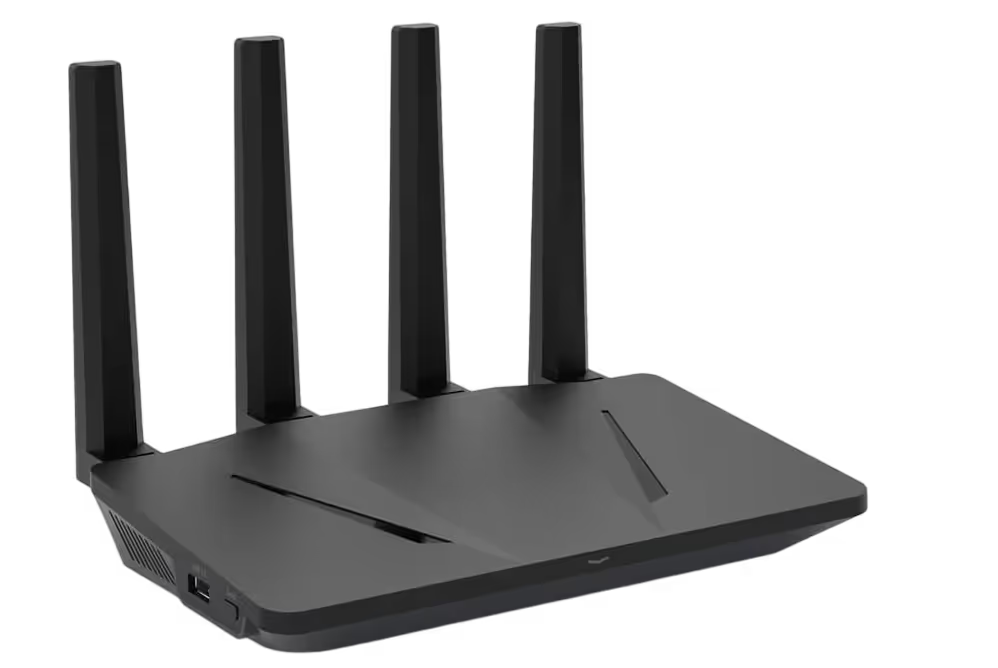
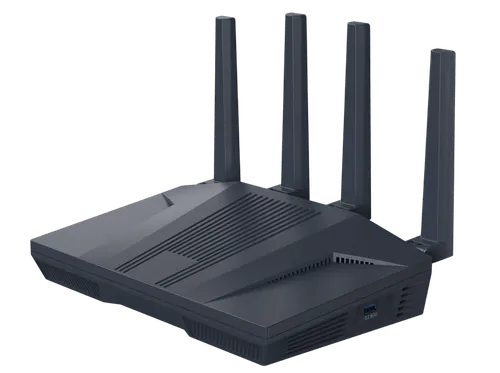
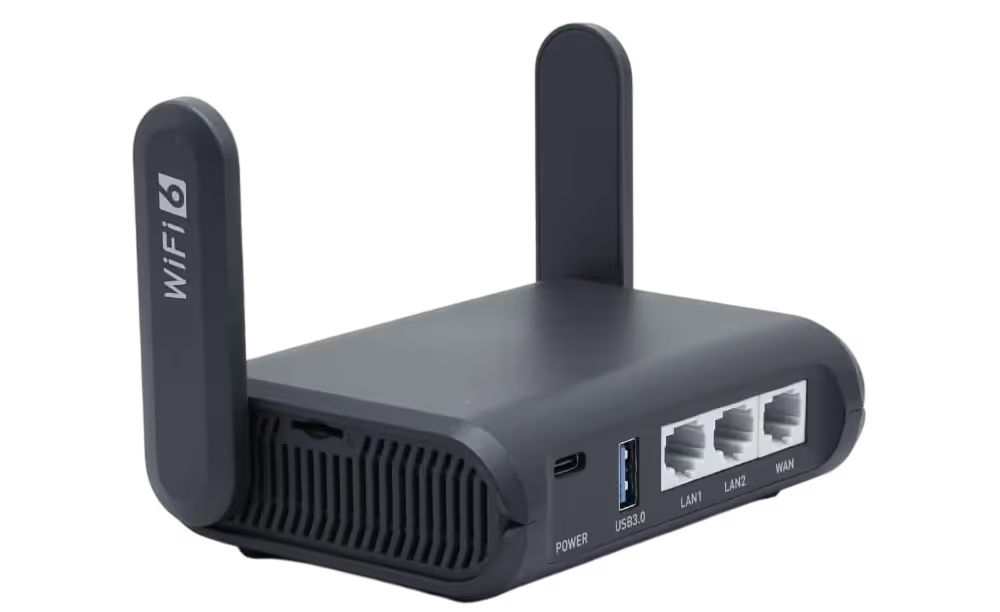
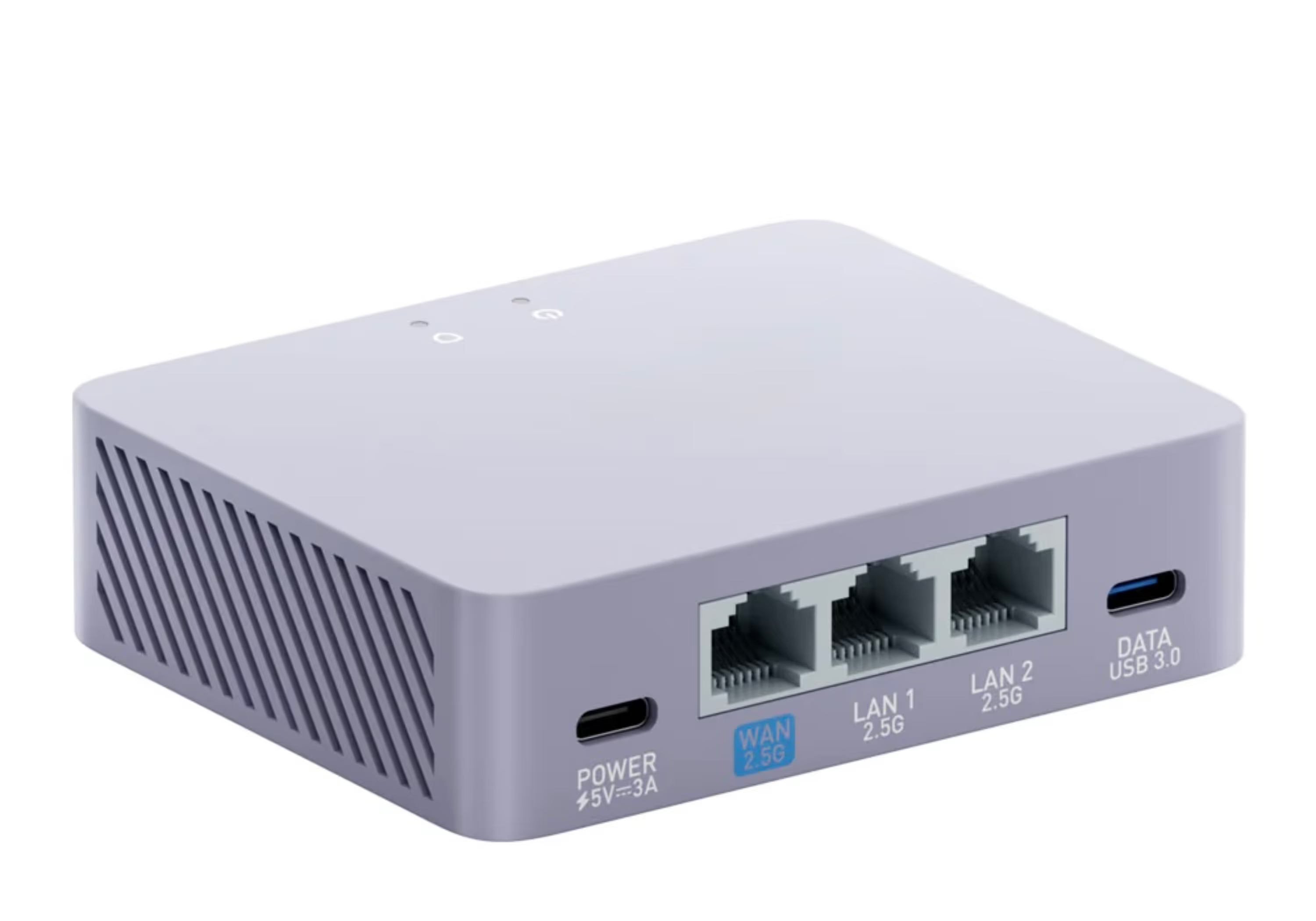
For dependable access to the Winter Olympics from overseas, the setup that holds up best is a VPN router with a UK residential IP address.
A pre-configured VPN router takes care of things at the network layer, so anything you connect through it looks like it's sitting in the UK. Because a residential IP mirrors an ordinary UK home broadband line, it draws far less attention from the blocks.
It's a steady way to keep UK Winter Olympics coverage flowing from places such as:
- France
- Spain
- Portugal
- Ireland
- Italy
- Hong Kong
- Singapore
- Australia
- New Zealand
- USA
- Canada
- And elsewhere worldwide
Watching the Winter Olympics on a TV Abroad
With a VPN router in place, UK Winter Olympics coverage opens up on:
- Smart TVs
- Apple TV
- Firestick
- Streaming boxes
That means watching on the big screen in the living room, not hunched over a handset.
What Is Freely and How It Fits In
Freely is a new way to watch free-to-view UK television entirely over the internet, without an aerial or satellite dish. It brings together live BBC channels alongside full catch-up and on-demand services in one simple interface.
For the Winter Olympics, Freely puts the BBC coverage — highlights and selected live events — in one place, so you're not hopping between apps. When used with a VPN router and a UK residential IP, Freely works abroad in the same way it does in the UK.
Freely is now built into a growing number of new UK televisions. For an existing TV, the Netgem PLEIO Freely TV box plugs in over HDMI and does the same job, entirely over the internet.
A Simple Setup for Watching the Winter Olympics Abroad
In practice, a working setup comes down to:
- Your existing internet connection abroad
- A pre-configured SmartHub VPN router using a UK residential IP
- A Smart TV or Netgem PLEIO Freely TV box
- BBC iPlayer and HBO Max (TNT Sports) apps accessed through the UK-based connection
With everything connected, Winter Olympics coverage plays live or on catch-up, much as it would if you had never left home.
Frequently Asked Questions
Where can I watch the Winter Olympics with UK coverage abroad?
Through the UK services, which are geo-blocked overseas: the BBC shows major events free-to-air on BBC One, BBC Two and iPlayer, while TNT Sports carries comprehensive live coverage across every sport, streaming on HBO Max. A VPN router with a UK residential IP lets you reach both from abroad.
Is the Winter Olympics free to watch in the UK?
In part. The BBC carries hundreds of hours free-to-air across BBC One, BBC Two and iPlayer, though its licence caps how many live streams it can run at once. For every sport and medal event, TNT Sports has the comprehensive coverage, on HBO Max. Both are UK-only abroad.
How do I watch the BBC and TNT Sports Winter Olympics coverage abroad?
They check your IP and block overseas connections, and normal VPN apps on data-centre IPs are usually detected — especially during a global event. A VPN router with a UK residential IP looks like an ordinary UK home, so the BBC and HBO Max play as they would in Britain.
Can I watch it on the television abroad?
Yes. A VPN router puts the whole household on a UK connection, so BBC iPlayer and HBO Max run on a Smart TV, Apple TV, Firestick or a Freely box — full quality on the big screen, with nothing to install on each device.
Final Thoughts
The Winter Olympics draw a huge global audience, and a dropped stream is an easy way to miss the moments that matter when you're away from home.
For steady access to UK Winter Olympics coverage, a VPN router on a UK residential IP is the sturdiest choice, especially on a television. It sidesteps the wobbles that so often catch out VPN apps once the action goes live.
Milan-Cortina's done and the French Alps are still years off, so the router's real job in the meantime is the rest of your UK sport — the Premier League season is under way, and the new Nations Championship rugby is on ITV, free-to-air, in November.
Here at Stream UK TV Abroad, our pre-configured VPN routers and Netgem PLEIO Freely TV boxes are built to run hand in hand, giving you an uncomplicated route to the coverage wherever in the world you land.