Is There a Freely App? What Actually Runs Freely — and How to Use It Abroad
Sort of — Freely is an app, but only on officially supported devices. There's no Freely app you can download onto a Fire TV Stick, Chromecast, phone, tablet, or even an LG or Samsung TV. Here's exactly what runs Freely, why you can't just install it anywhere, and how to get it working when you're abroad.
What Is Freely?
Freely is traditional UK live TV, delivered over the internet instead of an aerial or dish — the streaming-age successor to Freeview and Freesat. It works just like normal telly: a full channel guide you flick through, with live BBC, ITV, Channel 4 and Channel 5 — plus modern touches like Restart (jump back to the start of a programme that’s already begun) and catch-up on demand, all in one place.
So Is There a Freely App I Can Just Install?
Not in the way most people mean. Freely doesn't publish a standalone app in the Amazon, Google or Apple stores that you can add to any device. Instead, Freely certifies specific hardware and builds the service into it. If your device isn't on the approved list, there's simply no Freely to install — and no official workaround to sideload it.
What Actually Runs Freely
Freely-enabled smart TVs. Certain 2024-onwards models from Hisense, Bush, TCL, Panasonic, Sharp and Toshiba (with more brands added regularly) have Freely built in, as do Amazon Fire TV sets and other televisions running Fire TV OS.
That last one is worth reading twice, because those are televisions, not streaming sticks — Everyone TV, which runs Freely, says its Amazon deal "does not include portable Fire TV devices". Note the big exceptions too: LG and Samsung do not include Freely, so those sets need a separate box.
Dedicated Freely boxes. If your TV doesn't have Freely, a small box adds it via HDMI:
- Netgem PLEIO — runs Android TV with the full Google Play Store, so alongside Freely you also get NOW and any other app you want
- Manhattan Aero — a cheaper, simpler box on TiVo OS, with an Ethernet port
- Humax Aura EZ — a hybrid that adds an aerial recorder, but it still needs a TV aerial (no use abroad), so it suits UK homes rather than travel
What doesn't run Freely: the Amazon Fire TV Stick, Google Chromecast, phones and tablets, LG and Samsung TVs, and older Freeview/Freesat boxes. For any of those, a standalone Freely box is the route in.
The Catch When You Take Freely Abroad
Even on a supported device, Freely is licensed for the UK — so the moment you connect abroad, it checks your IP address, sees you're outside Britain, and stops working. That's true whether you carry a Freely box with you or buy a Freely TV overseas.
The fix is the same one that unblocks BBC iPlayer and ITVX: a UK residential IP. Regular VPNs won't cut it because their data-centre IP addresses get detected and blocked. A genuine UK residential IP makes your connection look like an ordinary British home, so Freely streams normally.
The Simple Setup: a Freely Box + a VPN Router
Put the two together and you have a plug-and-play way to watch UK TV anywhere:
- A supported Freely box — the Netgem PLEIO or Manhattan Aero — gives you the Freely app on any TV, and both are 100% online (no aerial), unlike the Humax Aura EZ, so they’re the ones to choose for abroad
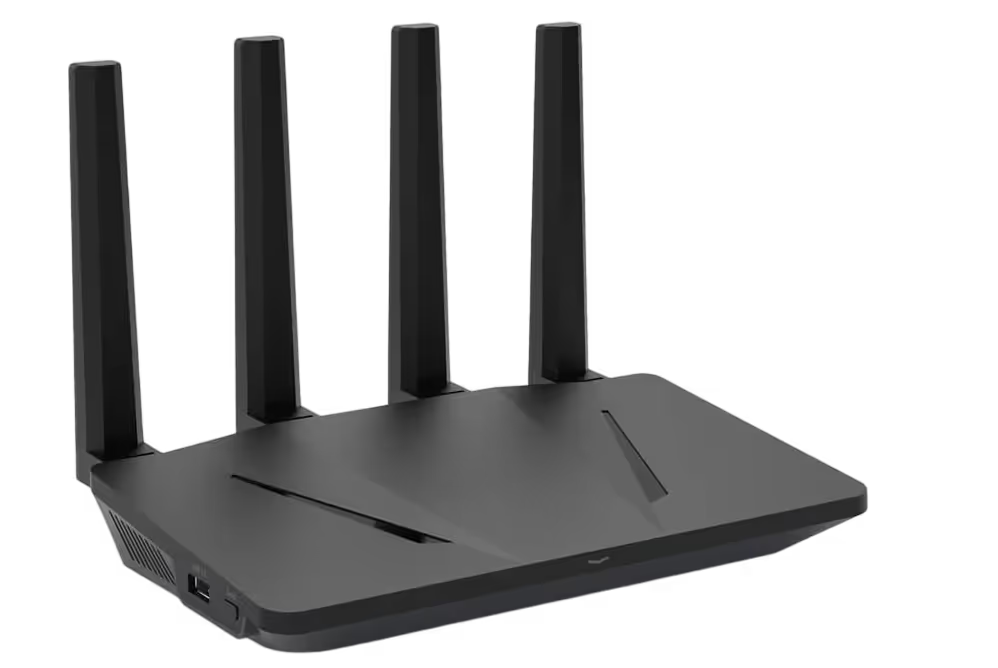
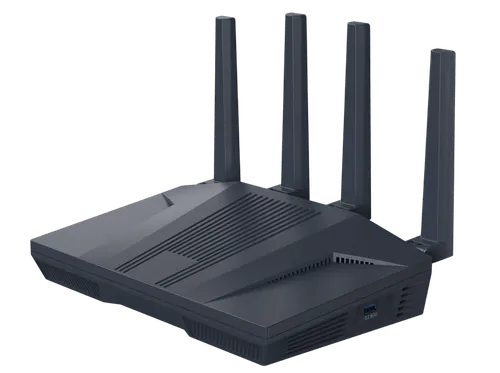
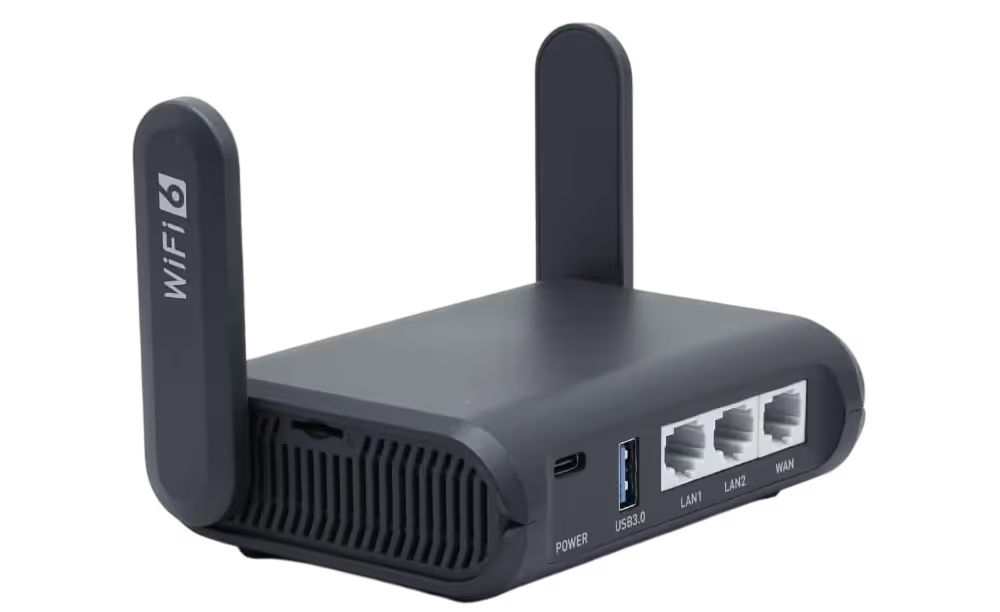
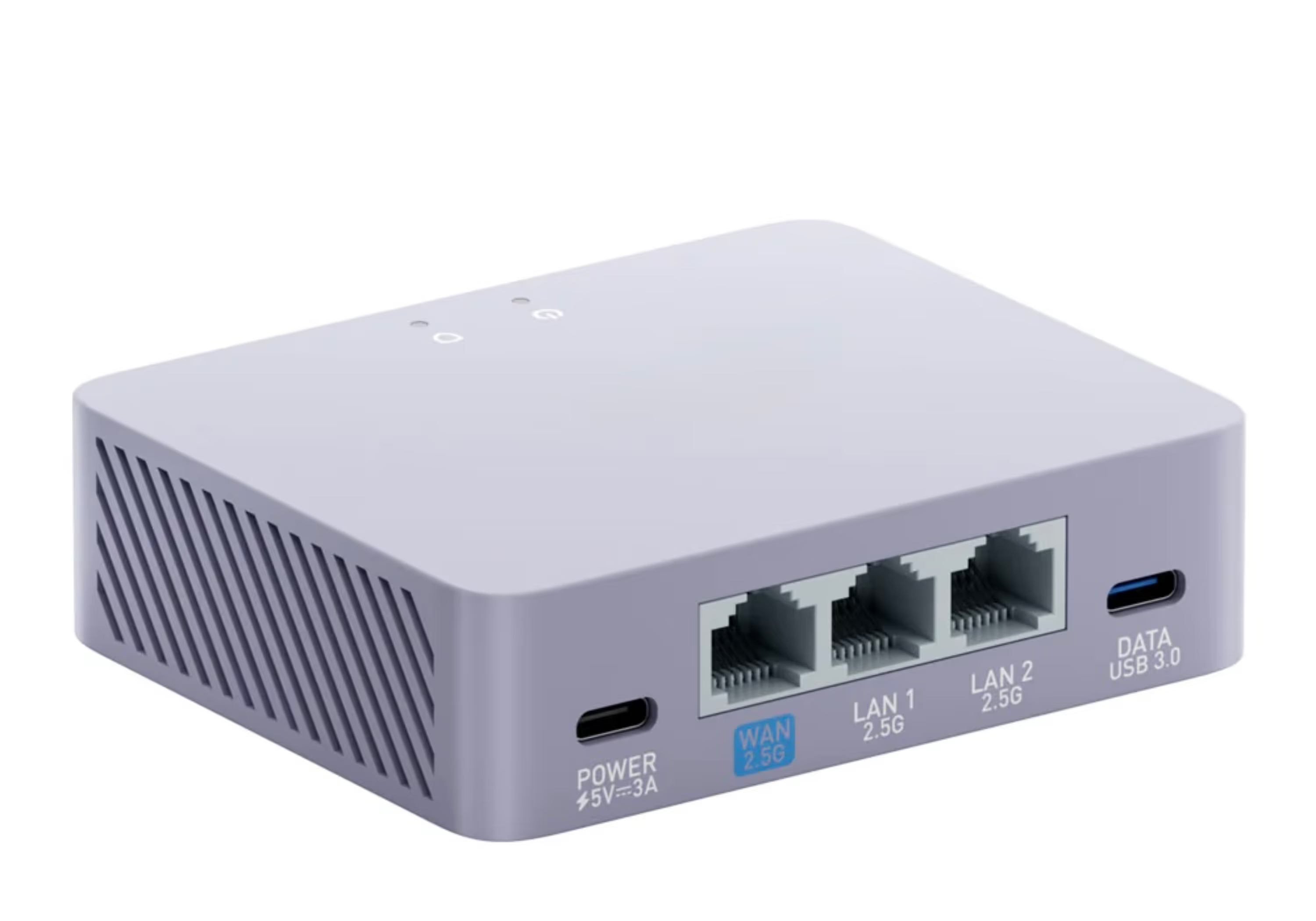
- A pre-configured VPN router gives that box (and every other device) a UK residential IP
Plug the router into your internet abroad, connect the Freely box to it, and Freely behaves exactly as it does at home. Not sure which box? Our PLEIO vs Aero comparison breaks it down — in short, choose the PLEIO if you also want NOW and the full app store.
One Router, the Whole Household
Because the router supplies the UK connection, it isn't only your Freely box that benefits. Phones, tablets, laptops, games consoles and streaming sticks on the same Wi-Fi all share the UK residential IP, so BBC iPlayer, ITVX and the rest work across the home at once.
Freely App: FAQs
Is there a Freely app for Fire Stick or Chromecast?
No — Freely isn't available to download on a Fire TV Stick, Chromecast, phone or tablet. It runs only on Freely-enabled smart TVs and on dedicated Freely boxes like the Netgem PLEIO, Manhattan Aero and Humax Aura EZ.
Can I get Freely on my LG or Samsung TV?
Not built in — LG and Samsung haven't added Freely. You'd plug a separate Freely box (such as the PLEIO or Aero) into the TV instead.
Does Freely work abroad?
Not by itself — it's UK-licensed and geo-blocks you abroad. On a supported Freely box paired with a SmartHub VPN router (with a genuine UK residential IP), your connection looks like a UK home, so Freely streams as normal.
Which Freely box is best for abroad?
The Netgem PLEIO if you also want NOW and the full Play Store; the Manhattan Aero if you want a cheaper, simpler box — Netflix and the other big apps are on both. Both work abroad with a residential-IP VPN router.
Final Thoughts
So yes — Freely is an app, just not one you can drop onto a Fire Stick, or an LG or Samsung TV. On a fully-online Freely box like the PLEIO or Aero, paired with a UK residential-IP router, you get UK live TV — guide, Restart and catch-up — working abroad exactly as it does at home. Pick the box that suits you, add the router, and you’re sorted.