
Why Channel 4 and Channel 5 Block Your VPN Abroad
There is a version of this problem that drives people mad, and it goes like this. You're abroad with a VPN running. BBC iPlayer is behaving. ITVX is behaving. You open Channel 4 to finish the series you started — and that one refuses. A fortnight later it is Channel 5 doing it instead.
So you assume you've configured something badly. You try another UK server. You sign out and back in. You clear the app. Someone on a forum tells you to turn off IPv6.
None of that is the reason. The VPN itself is what's being detected, and no amount of housekeeping changes it.
Below: what the two broadcasters actually enforce, one genuine partial workaround that almost nobody mentions, and the change that does alter the outcome.
What Channel 4 and Channel 5 Actually Say
Both broadcasters are on the record about this, and it is worth reading their words rather than a forum's.
Channel 5 names VPNs outright. Its help centre states that access will only be granted if the system can confirm that the connection is being made from within the United Kingdom, which means that connections via VPN and those that don't confirm an IP address will be blocked. That is not a side effect. Being on a VPN is itself the disqualifying condition.
Channel 5 also sets the boundary plainly elsewhere: shows are subject to licensing agreements, which only allow us to make them available in the UK, and the player will automatically determine your location based on your Internet Protocol (IP) address.
Channel 4 draws its line in a slightly different place, which catches people out. Its help pages say Channel 4 streaming is only available in the UK and Republic of Ireland — so Ireland is inside the line, unlike Channel 5. Live television is then restricted more tightly again: for legal reasons, the Watch Live service is only available to residents of the United Kingdom.
So the two services are not running the same rule, and one page can work while the other does not without anything being broken.
The Tell: the Adverts Play, Then Nothing
If you want to know whether this is your problem, Channel 5 describes the symptom precisely. You may see a CA-3001 error — or you may find, in its words, that adverts will play but then content will not, as the verification for this comes at the point that content is due to start.
That is worth knowing because it feels like a fault. The stream begins, the ad break runs perfectly, and then the programme never arrives. Nothing is broken: the location check simply happens after the adverts.
Now read Channel 5's own remedy, because it tells you who the advice is written for. It suggests turning the VPN off, waiting for your address to clear, and restarting your router to pull a new one.
That is sound advice for somebody sitting in Britain who has been wrongly flagged. If you're genuinely in Spain, every step of it hands you a Spanish address instead — which is the one thing that definitely won't play. The official troubleshooting quietly assumes you are already home.
Why Your VPN Gets Picked Out
Neither broadcaster is inspecting your device or your account. They are looking at the address your connection arrives from, and commercial VPNs arrive from a very particular kind of address.
NordVPN, ExpressVPN, Surfshark, Proton and the rest run on data-centre IPs — addresses belonging to hosting companies and server farms. Somebody actually sitting in Sheffield is on a residential address handed out by a British broadband provider. Those two categories are documented and straightforward to look up.
They are also shared at a scale no home could match. Hundreds of subscribers land on one address at once, and an address with a thousand people behind it doesn't look like a house with four. Once that address is recognised, everyone behind it goes down together — which is why a VPN works on Tuesday and fails on Wednesday without you touching a setting.
It also explains the thing that confuses everyone: why iPlayer can be fine while Channel 4 is not. Each broadcaster keeps its own lists and refreshes them on its own schedule, so your address reaches one before another. It is the same detection running at different speeds — the reason those VPN apps eventually stop working on BBC iPlayer too, and why Sky Go blocks them.
Which brings us to the advice you'll have already been given: switch UK servers, clear cookies, change protocol. Look at the bylines on the articles giving it and a lot of them are VPN companies writing about their own products, or review sites paid a commission on the sign-up.
The sentence none of them can print is that the product being recommended is the thing being caught. Moving to another UK server relocates you to a different data-centre address that Channel 4 or Channel 5 either already knows or shortly will.
Downloads: the One Thing That Does Travel
There is a genuine partial workaround, and the VPN guides skip it because it sells nothing. But it comes with one hard condition, so read this before you reach for it.
You have to do it before you go. Channel 4 could not be plainer: no, you can only download an available programme whilst in the UK. It even covers the half-finished case — if you leave the UK when you are downloading a programme, it will move into a paused state, and you have to be back in the UK on Wi-Fi to re-start it.
So if you're reading this from an apartment in Spain with nothing downloaded, this section isn't for you. It's for the version of you who was still at home last Thursday.
What Channel 4 does allow is for finished downloads to travel: once you have downloaded a programme, you can watch it offline or overseas. Fill the app up on the sofa the night before you fly and a few box-sets come with you.
Its other edges are worth knowing too. It does nothing for live television. It covers only what you thought of in advance, which is never the programme you want on a wet Tuesday. And downloads expire.
Going away for a week, with a week's notice? Download things. Already abroad, or living there? It was never available to you in the first place.
What Changes It: a UK Residential IP
If the category of address is what gets judged, the only change worth making is to arrive on a different category.
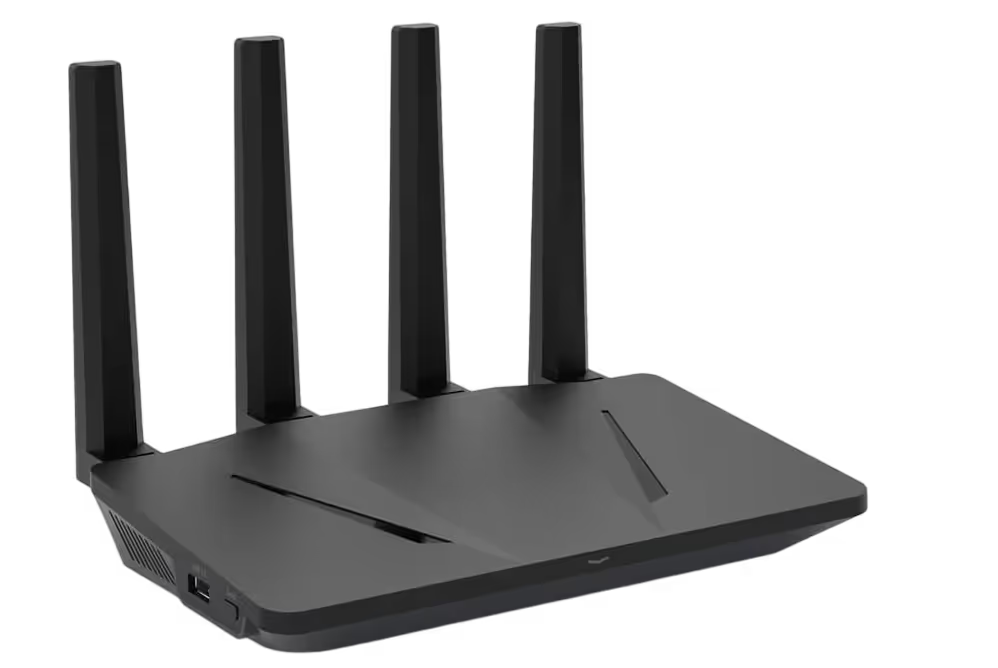
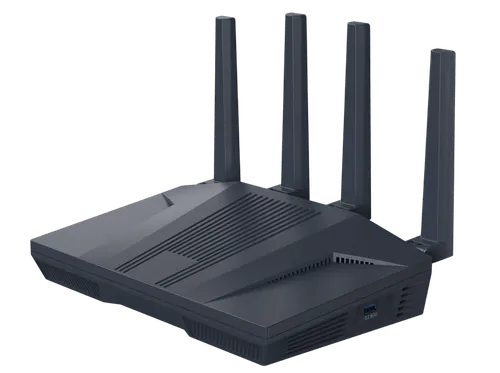
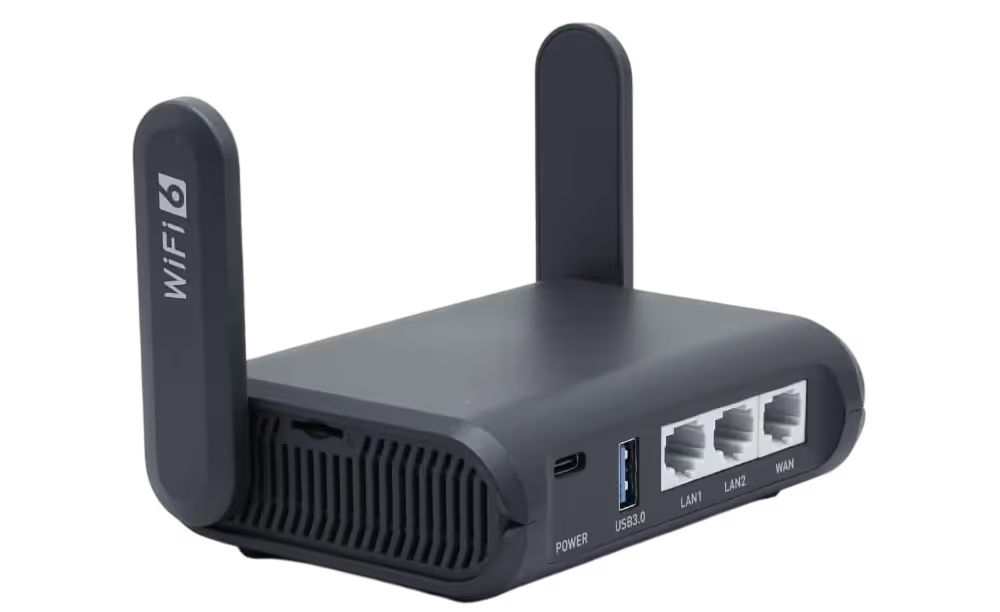
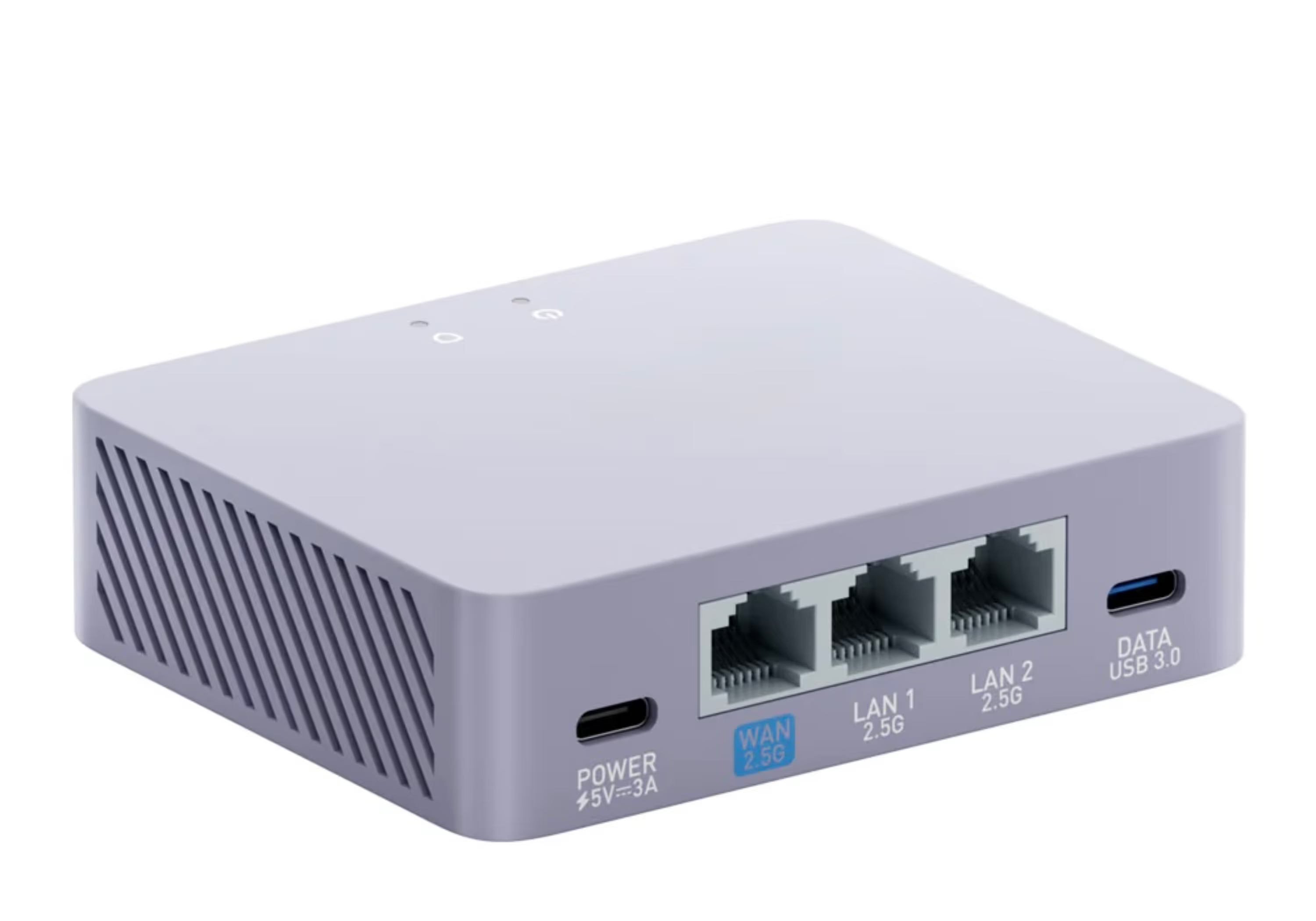
A SmartHub router carries a genuine UK residential broadband IP — the sort a real household in Britain is given, from a real ISP rather than a hosting range. Open Channel 4 or Channel 5 behind it and the app sees an ordinary UK home, because that is what the address is.
Delivering it on a router rather than in an app also removes the fiddling. The connection lives on the network, so the phone, the laptop, the tablet and the television are covered by one thing — nothing to install, nothing to re-fix on a Tuesday evening.
As these are licence-free UK services, there's no subscription in play at all. What changes is where your connection appears to be, not what you are entitled to watch — you are reaching the same services you would be reaching on the sofa at home.
What Are Channel 4 and Channel 5?
Channel 4 and Channel 5 are two of the big free-to-air UK broadcasters, and their streaming apps sit alongside BBC iPlayer and ITVX. Both carry their live channels plus a deep catch-up and box-set library:
- Channel 4 — the streaming home of Channel 4 (it has dropped the old "All 4" and "4oD" names and is now simply Channel 4): dramas, Bake Off, documentaries and Formula 1 highlights
- Channel 5 — the on-demand service (if you're looking for My5, that's the same thing under its old name: Channel 5 retired the My5 branding in March 2025 and the app is now simply Channel 5): live Channel 5, plus its catch-up shows and box-sets
You just create an account to sign in. They're a natural pairing with the other UK broadcasters, so if you already keep up with ITVX and BBC iPlayer abroad — home of the big reality hits like The Celebrity Traitors — Channel 4 and Channel 5 round out the set.
How to Watch Channel 4 and Channel 5 Abroad, Step by Step
- Order a pre-configured VPN router from Stream UK TV Abroad — leave a few days for it to arrive so it's ready before you fly out
- Plug it into whatever internet you have abroad — fixed broadband, a 4G/5G SIM or Starlink
- Join your device to the router's Wi-Fi
- Sign in to your Channel 4 and Channel 5 accounts and press play
Nothing to configure and no codes to key in — the router hands over the UK connection, and the apps take it from there.
Channel 4 and Channel 5 on the Big Screen Abroad
Both apps run on phones, tablets, laptops, streaming sticks and smart TVs alike — and once each is on the router's Wi-Fi, they all go out over the same UK IP.
For a proper telly experience, a Freely box or TV is a neat option: Freely carries the Channel 4 and Channel 5 live channels among its free-to-view line-up, so a Freely box on a UK-IP router puts them straight on the big screen. If you're new to it, our guide to how Freely works is a good place to start.
And it isn't only these two that come back. Since the UK connection comes from the router, everything on that network gets it at once — ITVX, BBC iPlayer, Channel 4, Channel 5 and the rest, across TVs, phones, tablets and consoles, every one of them looking as though it's in the UK.
Channel 4 and Channel 5 Abroad: FAQs
Can I watch Channel 4 and Channel 5 abroad?
Yes, but only if your connection reaches them from the UK. Channel 5 says its shows may only be made available in the UK; Channel 4 stretches to the Republic of Ireland but no further. Anywhere else, both read your IP address and refuse. A UK residential IP gives your device an ordinary UK home connection, so you can sign in and watch as you would at home.
Why won't Channel 4 or Channel 5 play when I travel?
Because their licensing does not extend to where you are standing. Channel 5 blocks anything it cannot confirm is in the UK — VPN connections included, in its own words — and Channel 4 reaches only as far as Ireland. Ordinary data-centre VPNs get caught as well, which is why a UK residential IP is what changes the answer.
What is the CA-3001 error on Channel 5?
It's the code Channel 5 shows when it can't confirm your connection is in the UK, which includes connections made through a VPN. Channel 5 also notes that adverts may play before the error appears, because the location check happens at the point the programme itself is due to start.
Does Channel 4 work in the Republic of Ireland?
Channel 4 says its streaming is available in the UK and the Republic of Ireland, so Ireland sits inside its line. Channel 5 doesn't stretch that far — it's UK-only. The Channel 4 Watch Live service is tighter still, restricted to UK residents.
Can I download Channel 4 programmes to watch abroad?
Only if you download them before you travel. Channel 4 says you can only download a programme whilst in the UK, and that a download in progress moves into a paused state if you leave — you have to be back in the UK to re-start it. Finished downloads do travel, and can be watched offline or overseas, but they expire and they cover nothing live.
Will switching to a different VPN fix it?
Changing provider changes which data-centre addresses you arrive on, not the fact that they are data-centre addresses. A provider that works this month is not promising anything about next month, which is why the fix rarely lasts.
Can I watch Channel 4 and Channel 5 on a smart TV abroad?
Yes. Once the television or streaming box is joined to a router carrying a UK residential IP, the apps behave exactly as they do at home — and the set itself needs no VPN app, because it isn't the thing making the connection.
Final Thoughts
If one of these two is refusing while the other plays, nothing on your side is misconfigured. Channel 5 has said in as many words that a VPN connection will be blocked, and Channel 4 draws its line in a different place again — so the two disagreeing with each other is the system working, not a fault.
Download a few things if you're away for a week; it takes a minute and it genuinely travels. If you're living abroad, the thing worth changing is the address itself — a UK residential IP on a router, covering the whole house, so it stops being a question you answer service by service. Set it up before you go and you'll be ready to watch wherever you land.
And if it’s one programme in particular you’re chasing, our guide to watching The Great British Bake Off abroad covers the Channel 4 side of this in more detail.